Search Inside Figma Files

Search Inside Figma Files
You know the asset exists.
You remember the icon.
You remember the old checkout screen.
You remember the logo variation.
You remember the component someone made six months ago.
But you do not remember where it is.
Was it in the brand file?
The old product redesign?
The client archive?
The “final final” Figma file?
The messy exploration canvas with 200 frames?
That is the problem with Figma files.
They can contain a huge amount of valuable work, but finding one specific asset later can be painful.
Now Fenn can search inside Figma files.
Figma files get messy fast
Design work rarely stays clean.
A Figma file starts simple.
Then it becomes:
old screens
new screens
unused explorations
brand assets
icon sets
logo variations
client references
screenshots
components
wireframes
moodboards
exported images
random frames
“archive” pages nobody opens anymore
And after a few weeks, the canvas becomes a map only one person understands.
After a few months, even that person forgets.
This is where normal file search fails.
The filename might be:
client-redesign.fig
or:
mobile-app-final.fig
or:
brand-assets-old.fig
But the thing you need is not the filename.
It is the content inside.
Designers remember visuals, not filenames
Most of the time, you do not search like this:
“Find client-redesign-v7.fig.”
You search like this:
“Where is the pricing table design?”
“Where is the black and white logo?”
“Where is the old onboarding screen?”
“Where is the icon with the lightning bolt?”
“Where is the dashboard with the blue sidebar?”
“Where is that testimonial card we tested?”
That is why Figma search alone is not always enough.
The real problem is not opening Figma.
The real problem is remembering which file, page, frame, or old project contains the thing you need.
Fenn can search inside Figma files
Fenn now supports Figma files.
That means you can index your Figma files with Fenn and search for the assets and content inside them.
Instead of manually opening file after file, you can search from Fenn and find the relevant result faster.
You can use it to find:
old UI screens
icons
logos
brand assets
design references
screenshots stored in Figma
visual explorations
reusable components
client design assets
archived design work
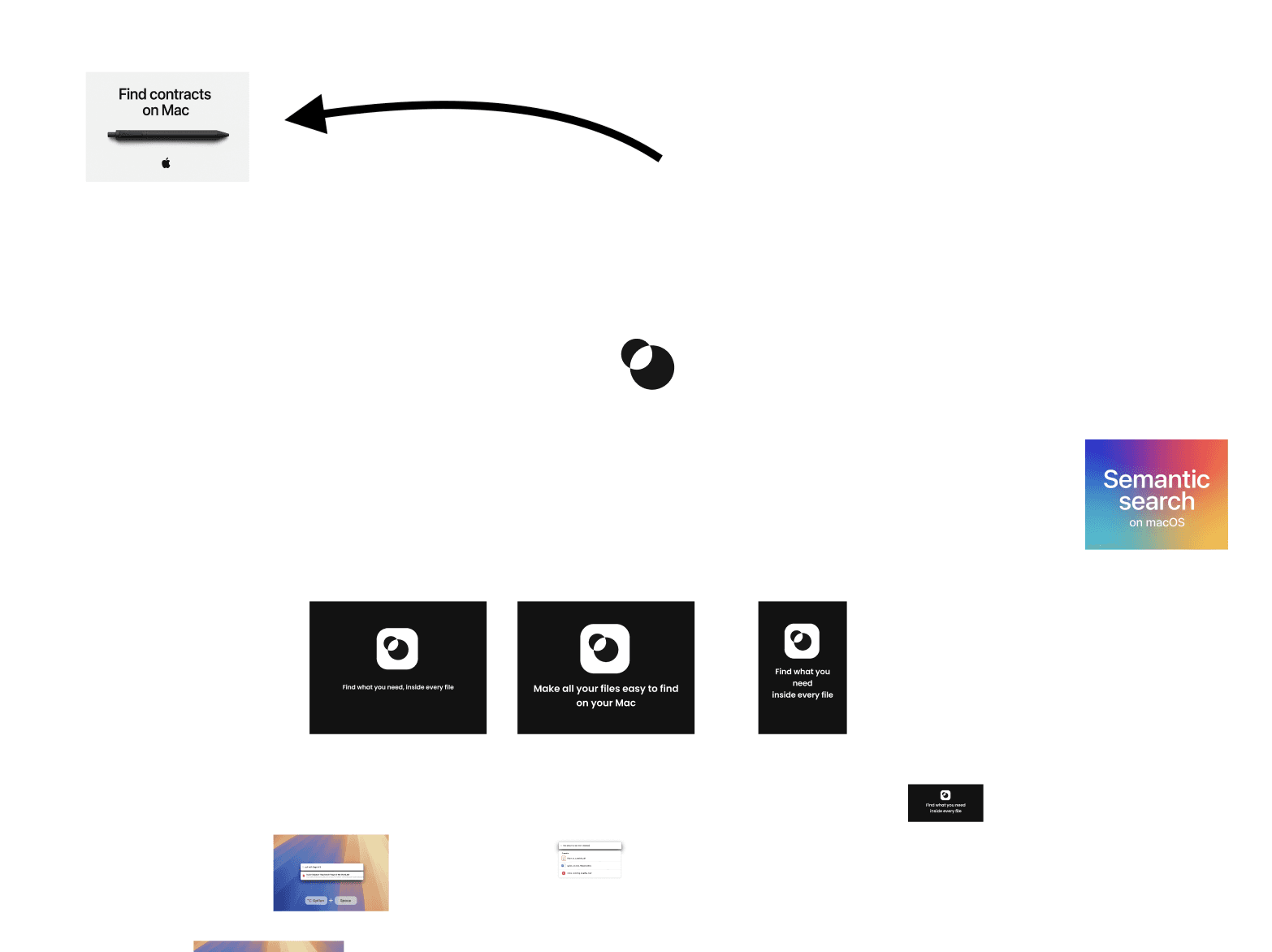
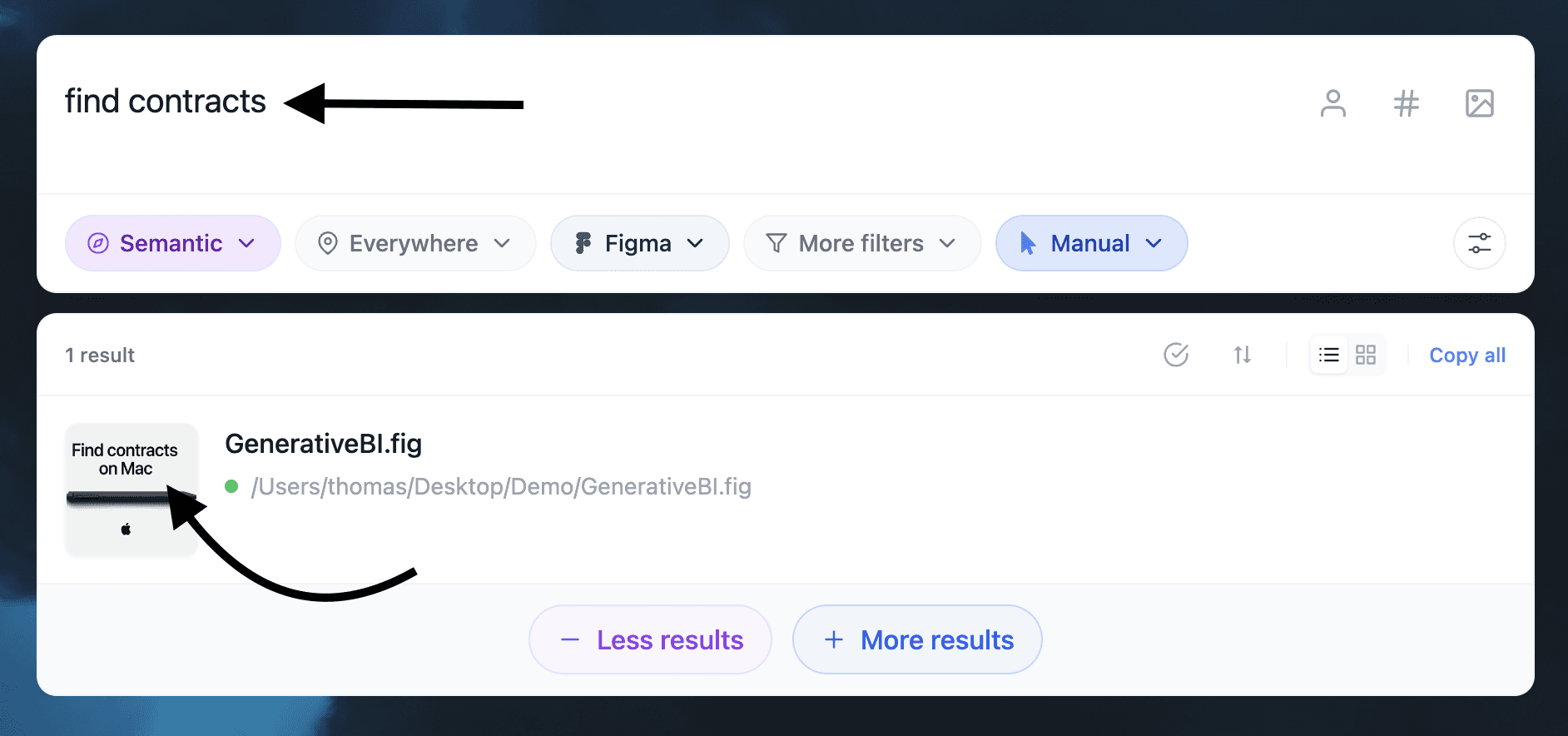
Examples of search when you only remember the text from an image stored inside a Figma files.
Fenn helps when the canvas is fragmented
A fragmented Figma canvas is normal.
Designers explore.
They duplicate frames.
They test ideas.
They paste references.
They keep older versions “just in case.”
That is good creative work, but it creates a search problem.
The more ideas you keep, the harder it becomes to retrieve the right one later.
Fenn helps by making the content searchable outside the canvas.
So when you remember the asset, not the file, you can still find it.
Search the design file, then the whole project
The real power of Fenn is that Figma support is not isolated.
Fenn does not only search Figma files.
It also searches the files around the project.
That matters because design work is never only a Figma file.
A real project also includes:
client briefs
PDFs
brand guidelines
screenshots
contracts
invoices
meeting notes
exported decks
videos
audio recordings
email archives
Apple Notes
Photoshop files
Illustrator files
InDesign files
So if you search for a client, a product name, a campaign, or a design system, Fenn can help you find more than the Figma asset.
It can help you find the full context around it.
The file.
The brief.
The reference.
The invoice.
The screenshot.
The old deck.
The design asset.
That is why Fenn is more than a Figma search tool.
Fenn is Private AI that finds any file on your Mac.
Private search for private design work
Design files are often confidential.
They can contain unreleased products, client work, brand systems, app redesigns, internal dashboards, pricing pages, experiments, and strategy work.
That should not be uploaded somewhere just to make it searchable.
Fenn indexes locally on your Mac.
Your files stay on your Mac.
Your searches stay on your Mac.
Your design work stays private.
That is especially important for freelancers, agencies, founders, product designers, brand designers, and teams working with sensitive client material.
Not just search
Fenn can also help with the rest of your file workflow.
It can:
search inside 60+ file types
use semantic and keyword search
search by content similarity
find faces
search inside images, screenshots, audio, and video
transcribe audio and video
chat with files privately
auto-organize folders
find and remove duplicates
rename files with AI
extract file data to CSV
capture on iPhone and find on Mac
Figma support adds another important piece to that workflow.
Your design files are now part of your private searchable Mac.
The bottom line
Figma files can hide some of your most important design work.
Old assets.
Old screens.
Old references.
Old ideas.
Old client work.
If you cannot find them, they might as well be lost.
With Fenn, you can search inside Figma files and find the assets you remember without digging through every canvas manually.
Private.
Local.
Built for real design workflows.
Download Fenn and find the moment, not the file.
Related reading: