The Best Productivity Tool for Your Team Is Your Mac
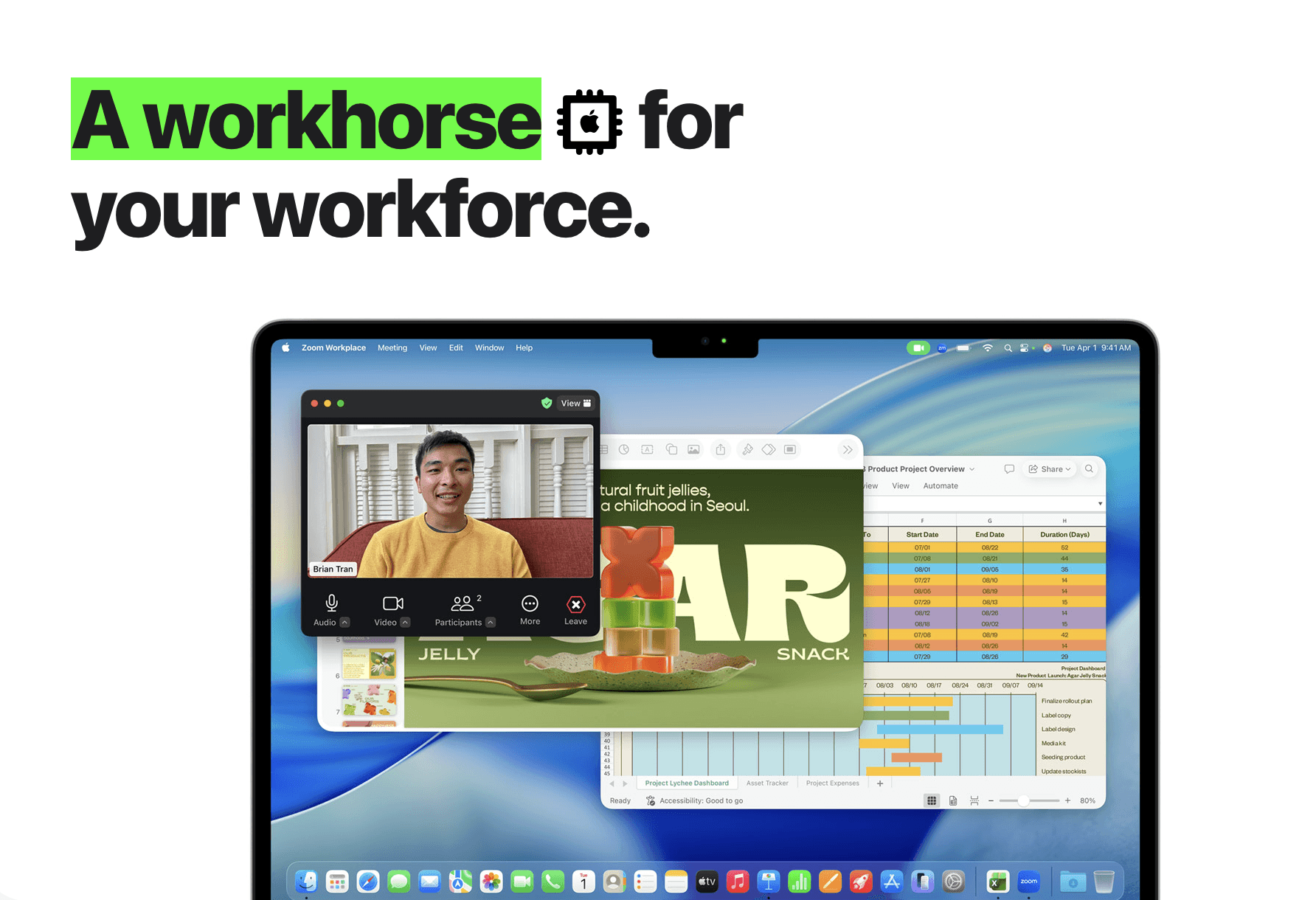
The Best Productivity Tool for Your Team Is Your Mac
Your team does not need another app that adds tabs, notifications, and yet another place to search.
Your team needs one thing: answers, instantly, from the files you already have.
Apple Silicon quietly turned every MacBook into serious AI hardware. That changes what “team productivity” can look like, especially for teams handling confidential work who cannot ship documents to random cloud tools, and who do not want to build an expensive Azure stack just to search inside PDFs.
The best productivity tool for your team is your Mac, once you add the missing layer: private file intelligence.
The productivity ceiling for Mac teams is not writing, it’s retrieval
Most teams are not blocked by writing speed. They are blocked by:
Finding the right clause in a 200-page contract
Locating the exact slide that explains a decision from last quarter
Pulling the right design asset from an old project folder
Extracting numbers from PDFs, spreadsheets, screenshots, and exports
Jumping to the moment in a call where someone committed to a change
This is retrieval work. It happens hundreds of times per week across a team. It is also where “AI chat” alone does not help, because chat is not grounded in your actual files unless you build a reliable system around it.
Why cloud AI is a bad fit for many teams (even if it’s powerful)
Cloud AI can be useful, but teams hit the same three walls fast:
1) Privacy and confidentiality
Law firms, accounting teams, M&A, healthcare ops, HR, architecture studios, and many agencies cannot casually upload client files, contracts, or internal recordings. Even when a vendor promises security, the workflow is still “send the data out.”
2) Cost and complexity
Standing up a team-wide AI stack on Azure (or similar) is not just model cost. It’s storage, indexing, access control, monitoring, and ongoing ops. Many teams do not have the budget, and do not want another platform to maintain.
3) Lock-in
A single cloud workflow tends to lock you into one vendor, one model, and one way of working. Teams end up adapting to the tool, instead of the tool adapting to the team.
The shift: owning your team’s compute is productivity freedom
Apple’s newest chips made something practical again: running powerful AI locally.
That matters because it unlocks a new kind of team productivity:
Your team can keep sensitive data on-device
Your team can search fast, without uploading corp data
Your team can avoid model lock-in, because the system is built around retrieval and workflows, not a single chatbot provider
Your team can scale by using the Macs you already own
Think of it as “productivity freedom.”
Instead of renting AI and sending data outward, your team builds a private layer on top of your real work.
Who benefits most from local, private file intelligence?
Beyond law firms and design studios, this approach is ideal for:
Accounting firms and auditors (workpapers, PDFs, exports, emails, checklists)
Consulting teams (decks, research, notes, client docs, recordings)
M&A and corporate finance (data rooms, CIMs, models, diligence notes)
Product and engineering teams (specs, tickets, screenshots, decision logs)
Architecture and construction (plans, RFIs, PDFs, drawings, photos)
Recruiting teams (resumes, interview notes, scorecards, briefs)
Media and podcast teams (audio, transcripts, cuts, b-roll, archives)
If your team’s knowledge is trapped in files, you are the target audience.
Why “Apple Intelligence” is not the same thing as team File intelligence
Apple Intelligence can help with writing, summarizing, and systemwide assistance. That is useful.
But team productivity often fails on a different problem: searching across messy, real-world files and opening the exact spot where the answer lives.
Teams do not just need “help writing.” They need:
Search inside PDFs, decks, spreadsheets, screenshots, scans, audio, and video
Reliable retrieval across years of folders
Fast navigation to the exact page, slide, frame, or timestamp
A workflow that stays private for confidential material
That is file intelligence.
How Fenn for Teams turns Macs into a private intelligence layer
Fenn is Private AI that finds any file on your Mac. For teams, the goal is simple: every teammate can retrieve what they need, from their own local files, in seconds.
1) Index the sources your team actually uses
Choose the folders that matter: clients, projects, shared exports, research, meeting recordings, screenshots.
Everything is designed to run locally, on-device, so your files stay on your Macs.
2) Search in the way humans remember
Sometimes you remember exact words. Sometimes you remember the idea.
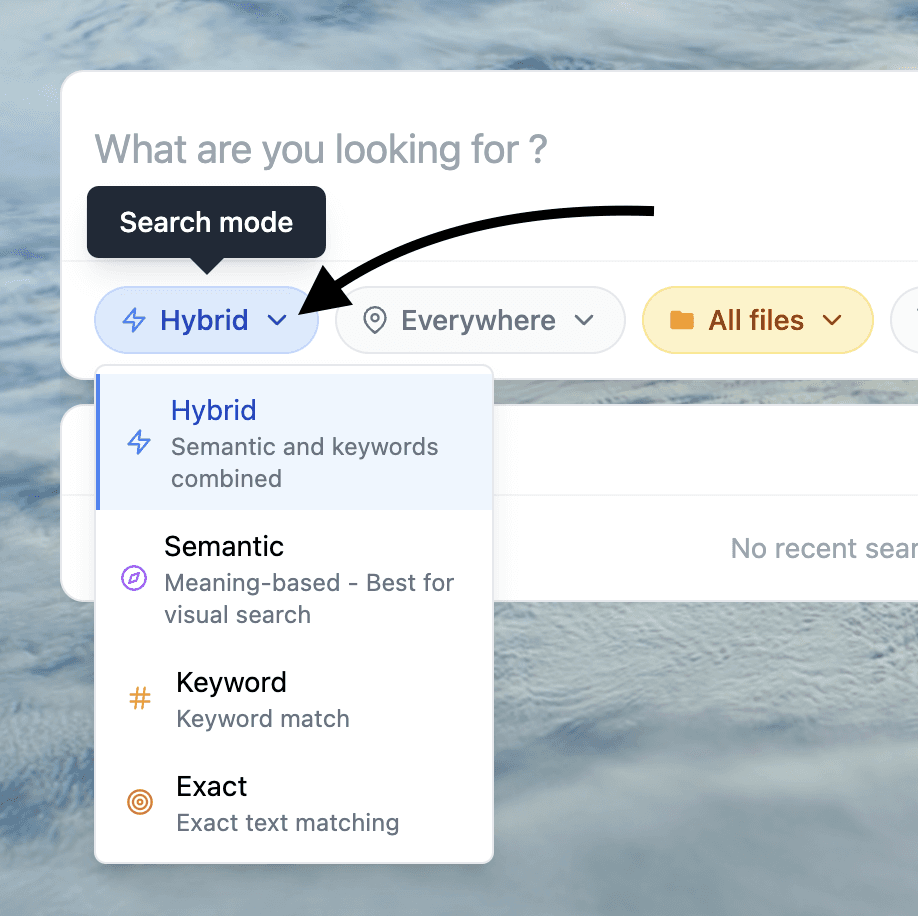
Fenn supports multiple modes so the team can work fast in real conditions:
Keyword search
Semantic search
Hybrid search
Exact mode
Agent search for more complex queries
Chat mode for asking questions and getting answers
3) Open the exact moment, not just the file
This is where productivity jumps.
Instead of “found it” becoming 10 more minutes of scrolling, Fenn is built to open directly at the right spot inside the file (page, slide, timestamp, or frame), with context.
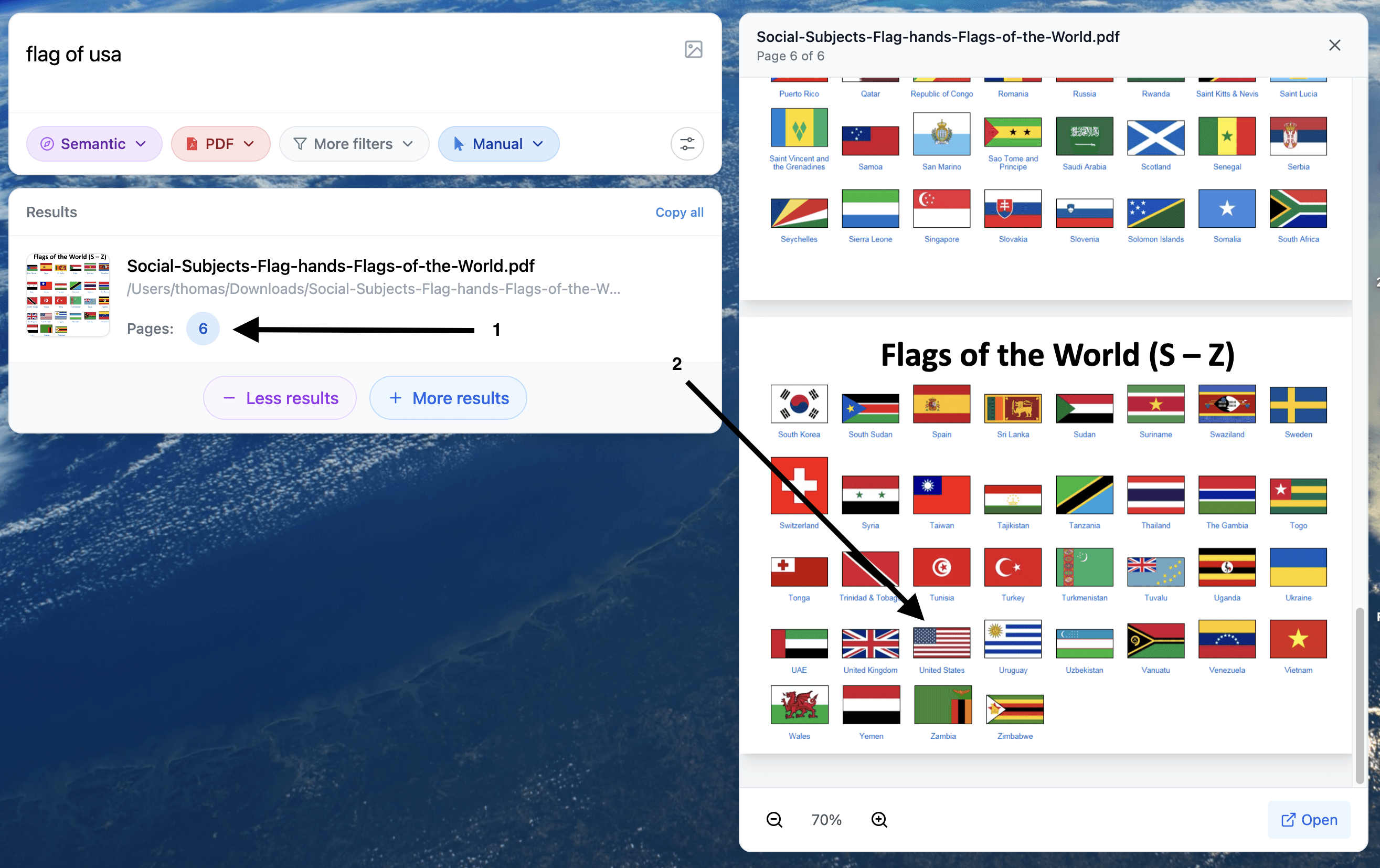
Example of search: finding a specific element inside a PDF page

Example of search for moment inside videos
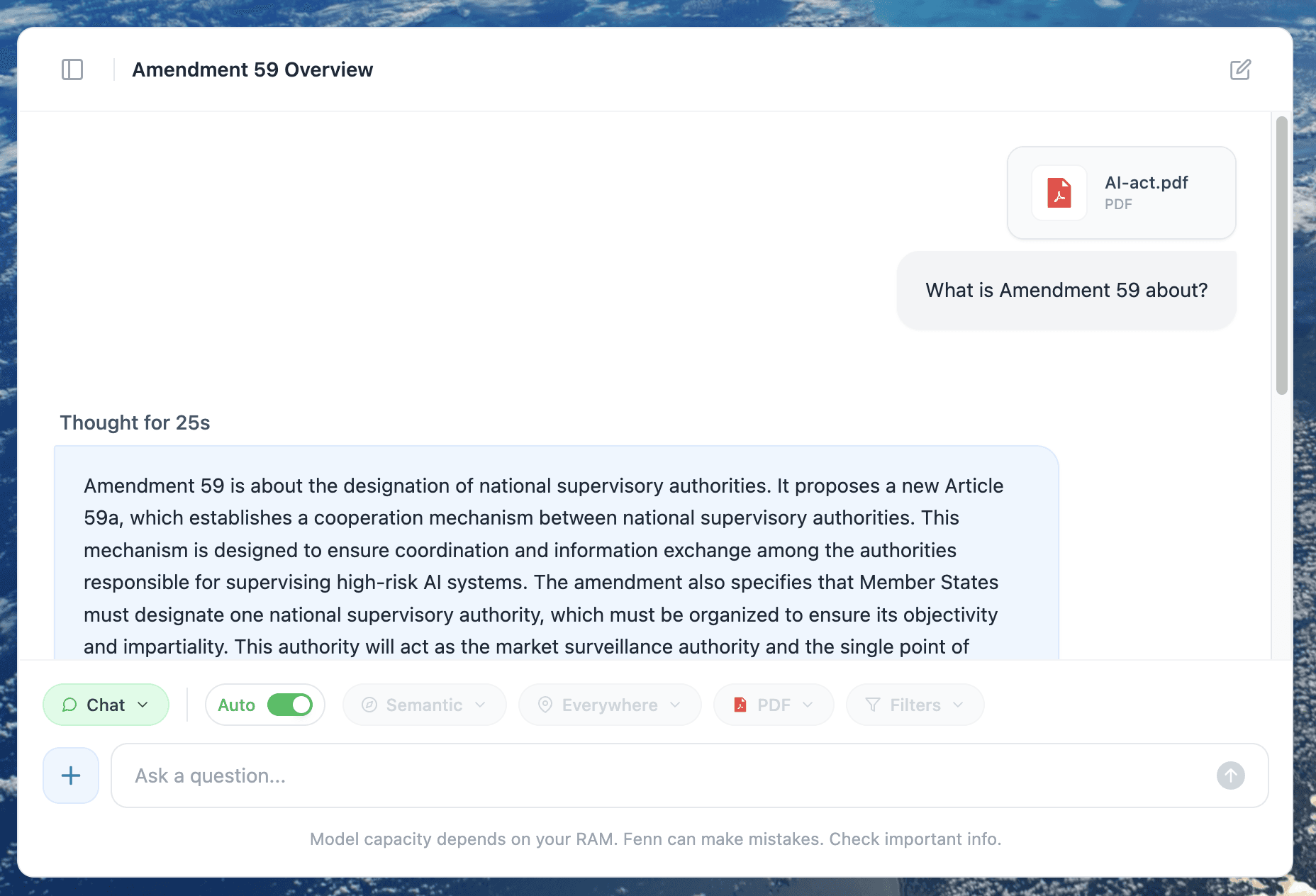
Example of 100% private chat conversation on your Mac
Mini case: the 15-minute question your team asks every day
A consulting team is prepping for a client call.
Someone asks: “Where did we mention the limitation about rollout timing?”
Without file intelligence:
One person searches filenames, opens a few decks, skims, and pings the team.
Another person searches chat history, finds a hint, still cannot find the slide.
The team burns 15 minutes and walks into the call slightly unsure.
With Fenn:
Search the idea in semantic or hybrid mode.
Open the exact slide where the limitation is stated.
Copy the source-grounded wording with confidence.
Multiply that by the number of times per week your team repeats this pattern, and you have a real productivity budget.
The bottom line
The best productivity tool for your team is your Mac, because your Macs are now capable of running a private AI layer locally.
What teams need next is the missing interface between “all our files” and “the answer.”
Fenn for Teams is built for that.