Mac Studio Might Be the Best Consumer GPU Until 2028
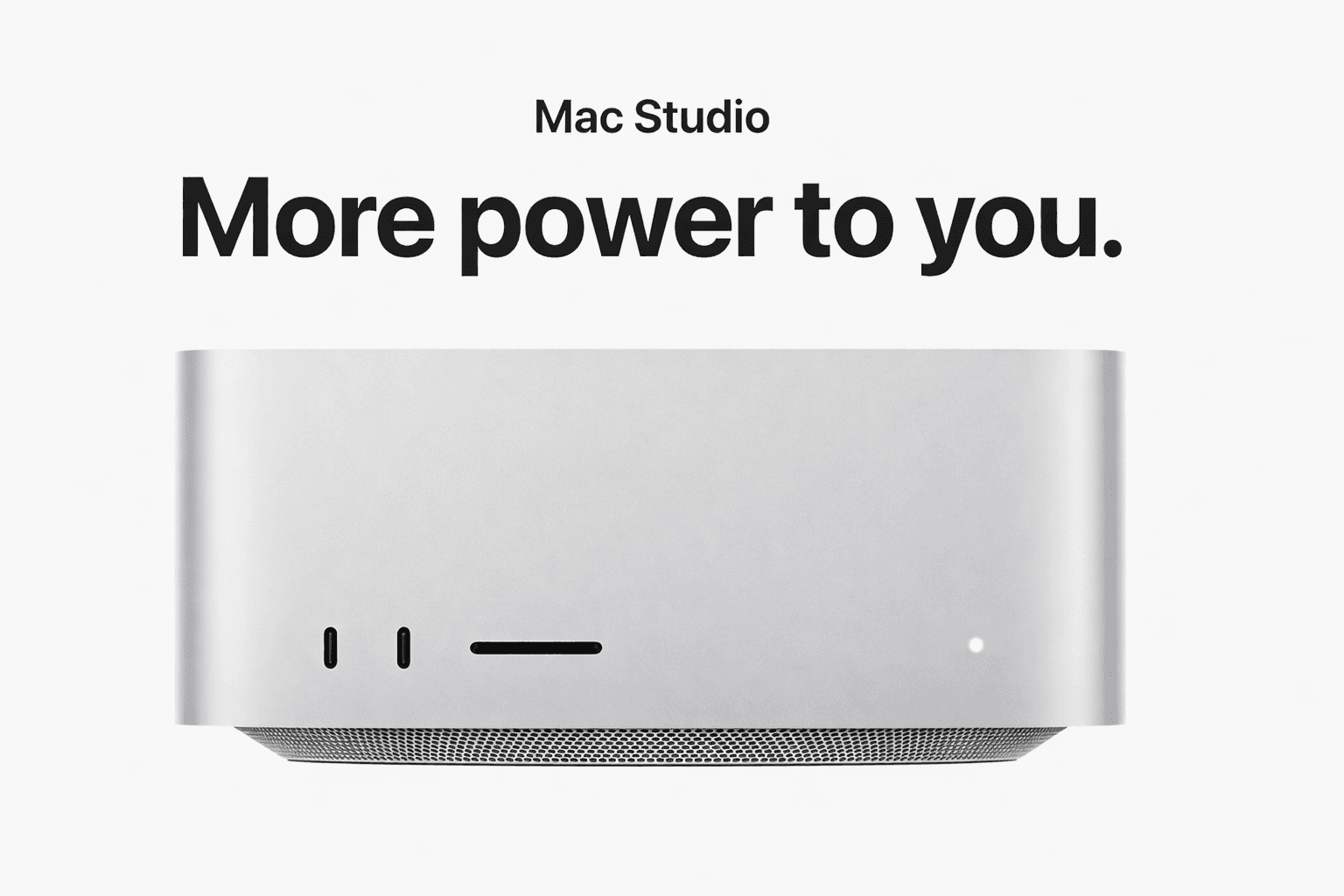
Mac Studio Might Be the Best Consumer GPU Until 2028
A new report claims Nvidia may not release any new RTX gaming GPUs in 2026, and that the next major consumer generation could slip into 2028.
If that holds, it creates a rare moment in consumer hardware: fewer reasons to wait for “the next GPU.”
And that is exactly where Apple Silicon becomes more interesting, especially the Mac Studio.
Not because it suddenly becomes the best gaming machine. It does not. The point is different.
For a growing number of people, the “GPU” they care about is the one that can run local AI models, accelerate creative workflows, and do it without sending confidential work to cloud providers.
In that world, a Mac Studio with a large unified memory pool and massive memory bandwidth can feel like the most practical consumer compute box you can buy right now.
The news: why the consumer GPU roadmap might slow down
Tom’s Hardware reports (citing The Information) that Nvidia may skip new RTX gaming GPU launches in 2026, with the RTX 60 series delayed beyond 2027 and potentially into 2028. The same report points to memory supply constraints as a key reason, and notes Nvidia’s comment that demand is strong while memory supply is constrained.
The Verge also frames the delays around a broader memory shortage and Nvidia prioritizing higher-demand AI workloads, which further slows the cadence of gaming-focused releases.
If you are a gamer, that is frustrating.
If you are a professional buyer, it changes your timing.
Because when next-gen is not around the corner, “buy what’s good now” becomes the rational move.
Why Mac Studio suddenly looks like a consumer GPU outlier
Mac Studio is not sold as a GPU product, but it behaves like one for the workloads that matter in 2026:
creative apps that benefit from GPU acceleration
local AI inference that benefits from bandwidth and memory capacity
multi-project workflows that punish slow storage and small RAM
Apple’s current Mac Studio configurations include chips like M4 Max and M3 Ultra, with high GPU core counts, high memory bandwidth, and large unified memory options.
That last part, unified memory, is the key.
Unified memory is the “secret weapon” for local AI
On a typical PC, your GPU has its own VRAM. If you run out, you hit a wall.
On Apple Silicon, memory is shared. That means higher practical headroom for large models and large projects, because the system is designed around a single, high-bandwidth pool.
Mac Studio specs highlight bandwidth figures like 546GB/s on M4 Max configurations and 819GB/s on M3 Ultra configurations.
That is why Mac Studio is often a better local AI box than many “gaming GPU” builds unless you are buying very high VRAM cards.
The comment that matters: AAA games might feel the slowdown, but AI work won’t
A good take floating around is: if the GPU roadmap slows, games designed around “next year’s leap” have less headroom.
That may be true, but the bigger story for Mac buyers is that local AI adoption is accelerating right now, regardless of the gaming roadmap.
If you are choosing a machine for:
private AI workflows
creative production
software work
research
business operations
Then “waiting for RTX 60” is not a productivity strategy.
The privacy angle: local AI is becoming the default for serious work
Cloud AI is convenient, but it is also a privacy trade.
If you work with:
client documents
contracts
medical or HR files
financials
internal strategy decks
recordings of meetings and calls
Then pasting content into a third-party model provider can be risky, or outright disallowed.
Apple Silicon made a different path more realistic: do more AI locally.
That is the practical definition of productivity freedom:
you own the compute
you keep sensitive data on your machine
you are not locked into a single vendor’s cloud stack
Where Fenn fits: a private intelligence layer for your actual files
Hardware is only half the equation. The other half is whether your Mac can actually find what you need.
Fenn is “Private AI that finds any file on your Mac.”
It indexes on-device and lets you search inside real work formats, then jump straight to the exact spot inside the file, like a specific PDF page, slide number, audio timestamp, or video frame.
The point is simple: you get AI help for retrieval and extraction from your own files, without sending your document corpus to OpenAI or Google.
If you are buying a Mac Studio because you want a serious local AI machine, pairing it with a private file intelligence layer is where the day-to-day ROI shows up.
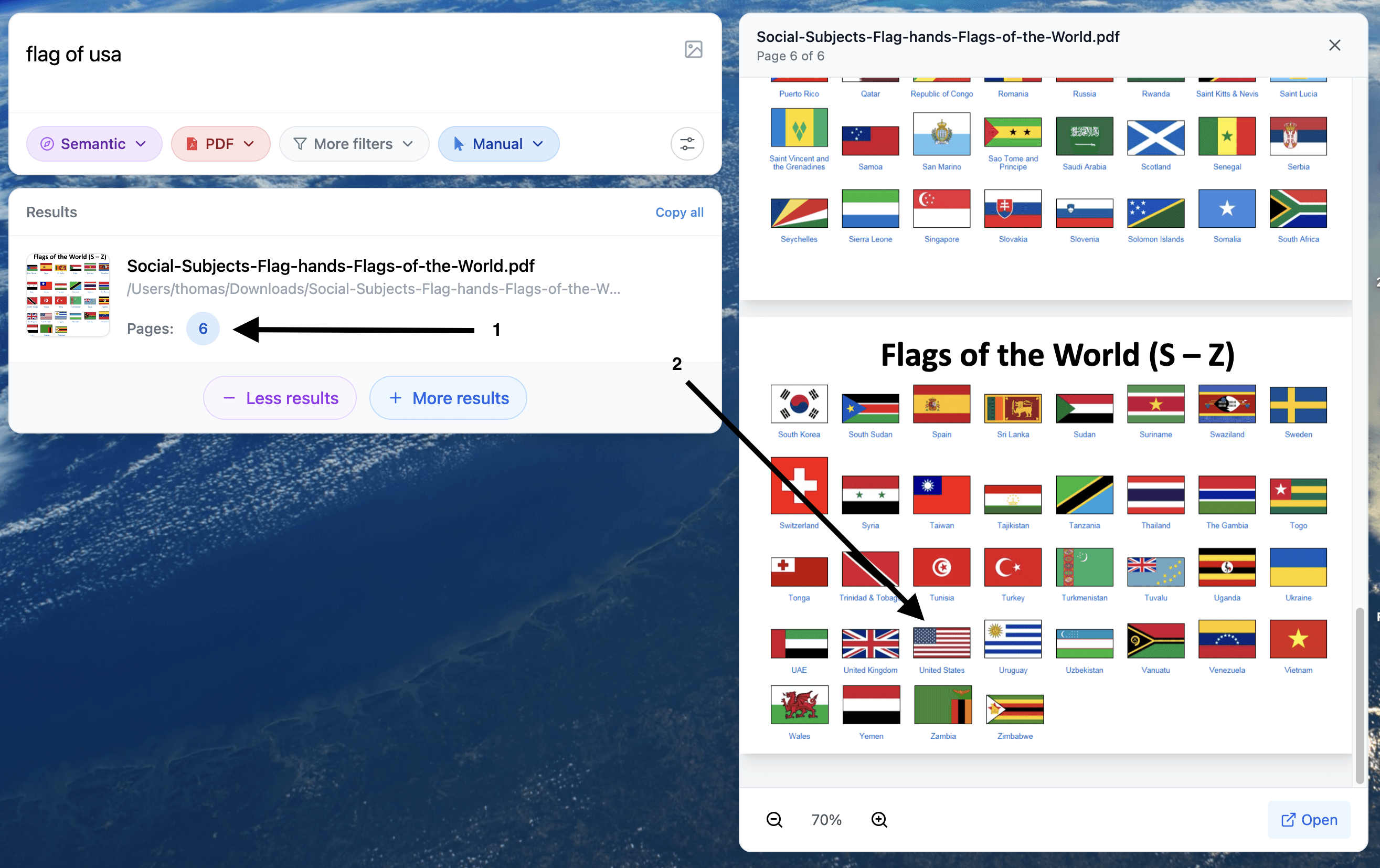
Example of search for a visual element inside a pdf.

Example of Q&A with a long pdf in Chat mode.
What to buy if you want a Mac Studio for local models
A practical rule of thumb:
Buy more unified memory than you think you need
It is the limiter for local AI and heavy multitasking.Buy more internal storage if your work lives in projects
Staying local is faster, and it helps keep sensitive work off random external drives.Do not buy for gaming benchmarks
Buy for the workflows you actually run: creation, retrieval, inference, automation.
Mac Studio is already positioned around high performance, high bandwidth, and large memory configurations.
If reports are right that Nvidia’s consumer GPU cadence slows through 2026 and pushes a major jump toward 2028, then the “wait for the next GPU” mindset breaks.
That makes Mac Studio a surprisingly strong bet for the people who care most about local AI and confidential workflows.
And if you want the real productivity win, add a private intelligence layer on top of your Mac, so you can search and extract from your files without sending your life and work to someone else’s servers.