New MacBook Pro M5 Leak: Release Date Could Be January 28
New MacBook Pro M5 Leak: Release Date Could Be January 28
Apple’s next MacBook Pro refresh may be closer than expected. A new wave of reports and leaks point to a possible late-January announcement, with January 28 showing up as the most repeated date.
Nothing is official until Apple says so, but if you were waiting for the higher-end MacBook Pro lineup to catch up with Apple’s M5 generation, this might be the window to watch.
Why January 28 keeps coming up
The main clue is timing. Apple’s new Creator Studio subscription launches on January 28, and some watchers believe Apple could pair that launch with new pro hardware aimed at the same audience.
It’s still speculation, but Apple has a long history of aligning pro workflows, pro software, and pro hardware in the same season.
What models are rumored
The core expectation is straightforward:
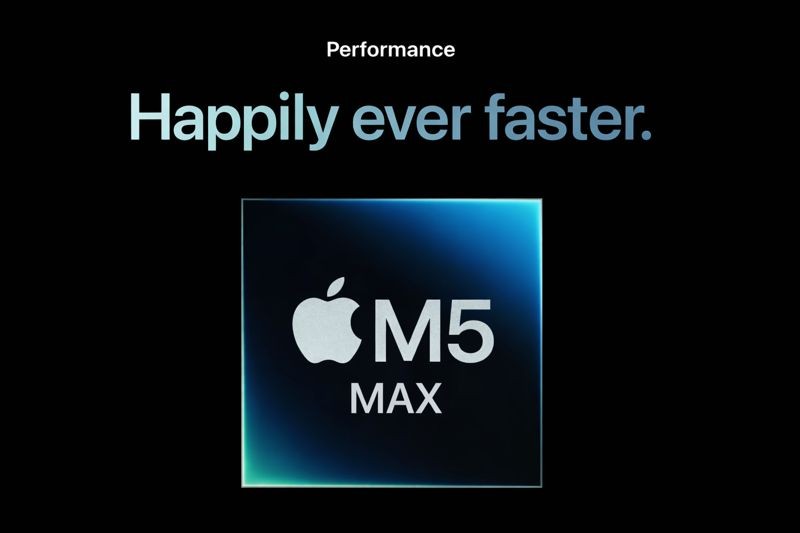
A high-end MacBook Pro refresh that brings M5 Pro and M5 Max into the lineup
Likely updates to both 14-inch and 16-inch configurations, with the 16-inch model being the one people are most focused on
The theme of the rumors is not a redesign. It’s a performance refresh.
What to expect from M5 Pro and M5 Max
Until Apple publishes specs, the safe assumption is “more of what Pro and Max always mean”:
Faster CPU and GPU performance
Higher sustained performance under long workloads, especially on the 16-inch chassis
Better performance per watt, plus thermal headroom for creators
If Apple follows its usual pattern, the biggest quality-of-life improvements will show up in workflows that are both heavy and repetitive, like exporting video, processing large batches of assets, and running local AI tasks.
Why this matters for local AI on Mac
Local AI is where Apple Silicon has been quietly winning. The combination of Apple’s Neural Engine, GPU performance, and unified memory makes it practical to do more on-device, which is better for privacy and often faster for “daily loop” tasks.
If M5 Pro and M5 Max bring the typical Pro and Max upgrades, you can expect local AI to benefit in three ways:
1) Faster inference and analysis loops
Running models locally often means repeating the same operations many times. Any jump in CPU, GPU, or Neural Engine throughput can make those loops feel more instant.
2) More headroom for larger models and bigger context
Unified memory matters. More memory capacity and bandwidth usually translates to fewer compromises when you run larger models, process bigger files, or keep more context in memory.
3) Better sustained performance for long tasks
Local AI tasks like long transcription, large embeddings runs, or indexing big libraries are not just “burst performance.” Sustained speed matters, and Pro and Max chips typically shine there.
What this means for Fenn performance
Fenn is on-device by design, so faster Apple Silicon directly translates into a faster day-to-day experience, especially for people with a lot of files.
On a MacBook Pro with M5 Pro or M5 Max, you should expect improvements in:
Indexing speed on large folders and mixed libraries
Responsiveness when using Hybrid, Semantic, and Keyword search modes
Faster “jump to the moment” workflows when you are working inside long PDFs, big decks, or media-heavy projects
If your work is sensitive, local performance also means you can keep more of your workflow private, because you do not have to ship files to cloud tools just to search and retrieve what you already own.


Should you wait for the rumored January 28 launch?
A simple decision rule:
Wait if
You rely on sustained performance (video, audio, large design files, local AI)
You want a 16-inch MacBook Pro and you have been holding out for the M5 Pro or M5 Max generation
You want the best “buy once, keep for years” headroom
Buy now if
You need a machine immediately for paid work
Your workload is lighter and you will not fully use Pro or Max headroom
You find a deal that materially changes the cost equation
If you want a structured way to decide, link this in the article:
Read also
If you end up upgrading, the best upgrade is the one you feel every day: finding your files instantly.
Try Fenn, the Private AI that finds any file on your Mac. On-device for privacy, fast on Apple Silicon, and it opens the exact page, frame, or timestamp you need. Find the moment, not the file.