Google Launches “Personal Intelligence”: What It Is
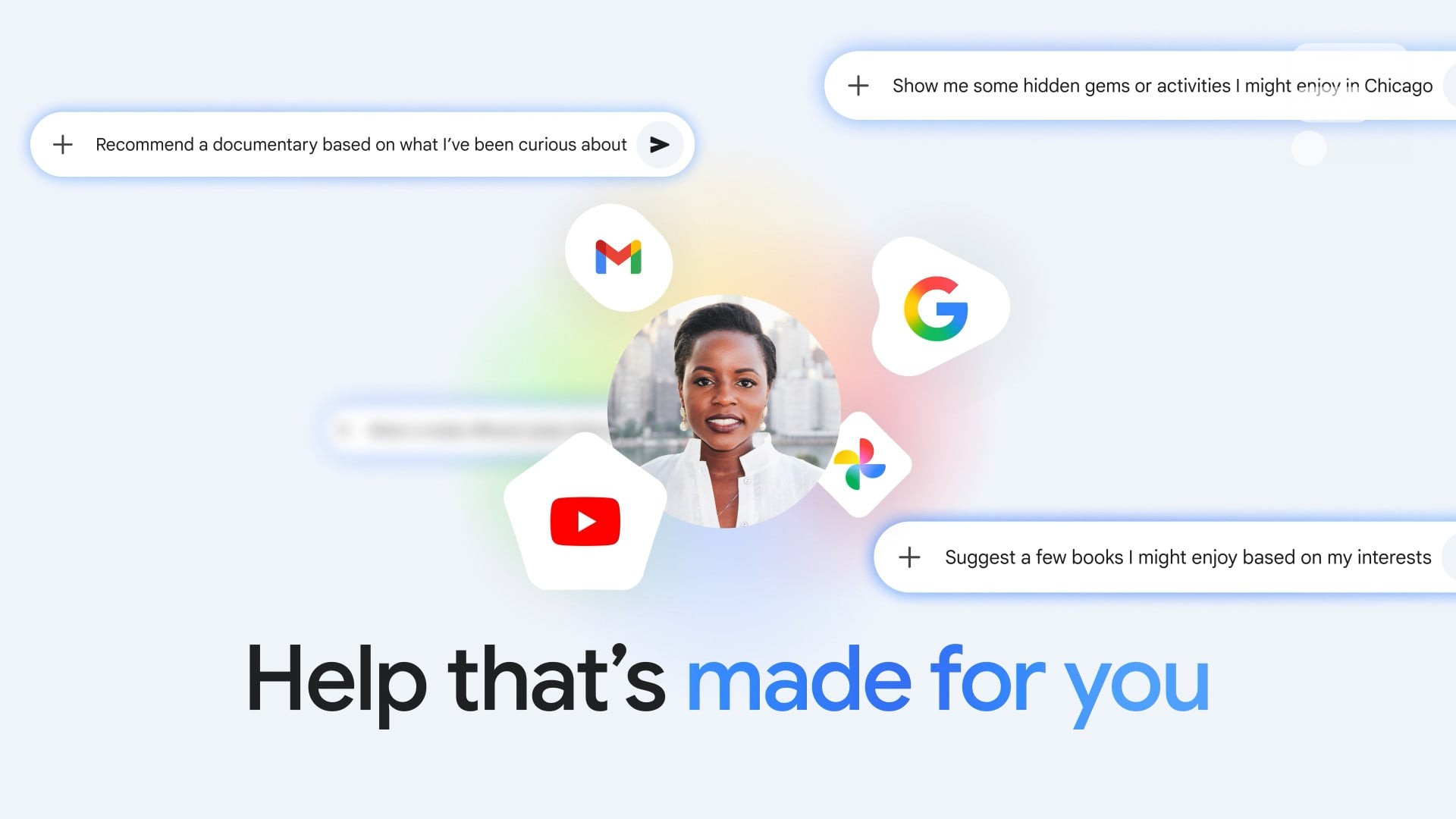
Google just introduced Personal Intelligence for Gemini, a new feature designed to make the assistant feel less generic and more like it actually knows your life. The core idea is simple: Gemini becomes more helpful when it can securely reference information that already lives in your Google apps.
This post explains what Personal Intelligence does, who can use it right now, the privacy tradeoffs to understand, and the on-device alternative many professionals prefer when files are confidential.
What is Personal Intelligence?
Personal Intelligence lets you connect Gemini to Google apps so it can pull context from your own data when answering questions or helping you plan.
Google positions it around two strengths:
Retrieval: find specific details from your connected sources (like an email detail or a photo).
Reasoning across sources: combine context from multiple places (text, photos, video) to give more tailored answers.
In practice, that means Gemini can do things like:
find a detail from an email you forgot
answer questions based on something in Photos
tailor suggestions based on your YouTube and Search history
combine multiple sources into one answer, instead of making you hunt manually
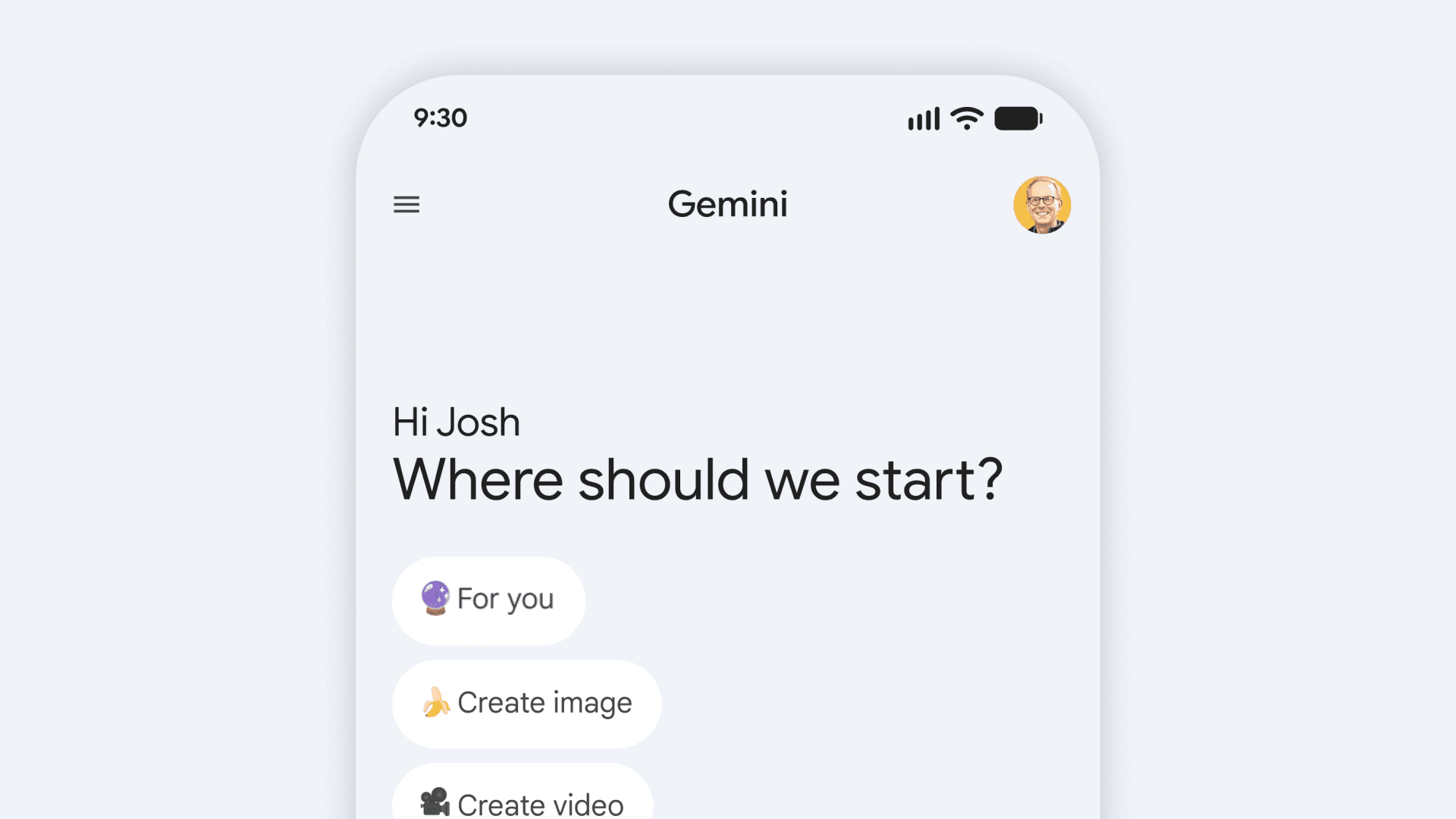
Which apps can Gemini connect to?
Google’s initial setup emphasizes a one-tap connection to:
Gmail
Google Photos
YouTube
Search
You can choose which apps to connect, and you can disconnect them later.
Availability: who gets it first?
Right now, Personal Intelligence is:
Beta
U.S. only at launch
Rolling out to eligible Google AI Pro and AI Ultra subscribers
Available for personal Google accounts
Not available for Google Workspace business, enterprise, or education users (at least for now)
That last bullet matters. A lot of the people who most want this feature are the same people whose data is governed by workplace policies.
How it works in real life
Google’s pitch is “help made for you,” and the examples are very practical:
You ask a question that requires personal context, and Gemini can reference connected sources to answer.
It can retrieve a specific detail from a photo or email.
It can combine context from multiple apps so you do not have to search each one manually.
The big shift is not that Gemini can access a single app. It is that it can reason across multiple apps in a single request.
Privacy: what Google says, and what users should understand
Google frames Personal Intelligence as opt-in and “under your control”:
It is off by default.
You decide which apps to connect.
You can turn it off, disconnect apps, or use chats without personalization.
Google also says it does not train directly on your Gmail inbox or Photos library. It describes the data as being referenced to answer your request, while training is limited to things like prompts and responses, with steps intended to filter or obfuscate personal data.
That is a meaningful distinction, but it still leaves a practical reality:
If your assistant is useful because it can read your personal sources, you are trusting the platform’s rules, settings, and enforcement over time.
For most consumers, that tradeoff may be worth it.
For many professionals, it is exactly where the line gets drawn.
The pro question: do you want your “personal intelligence” to live in the cloud?
If your work includes confidential material, you often cannot connect it to a cloud assistant at all, even if the assistant promises privacy controls.
Common examples:
client contracts and legal docs
finance, audit, and tax files
internal strategy docs
research notes
HR and hiring documents
anything covered by NDAs or strict compliance
In those cases, the best “personal intelligence” is the one that stays on your own device.
A privacy-first alternative for professionals: personal intelligence on your Mac
This is where Fenn fits.
Fenn is Private AI that finds any file on your Mac. It is built for people who want personal intelligence for their work files, but do not want to upload those files to a third-party cloud.
Instead of connecting Gmail or Photos in the cloud, you connect what actually matters to your job: your folders, PDFs, decks, screenshots, notes, recordings, and project archives on your Mac.
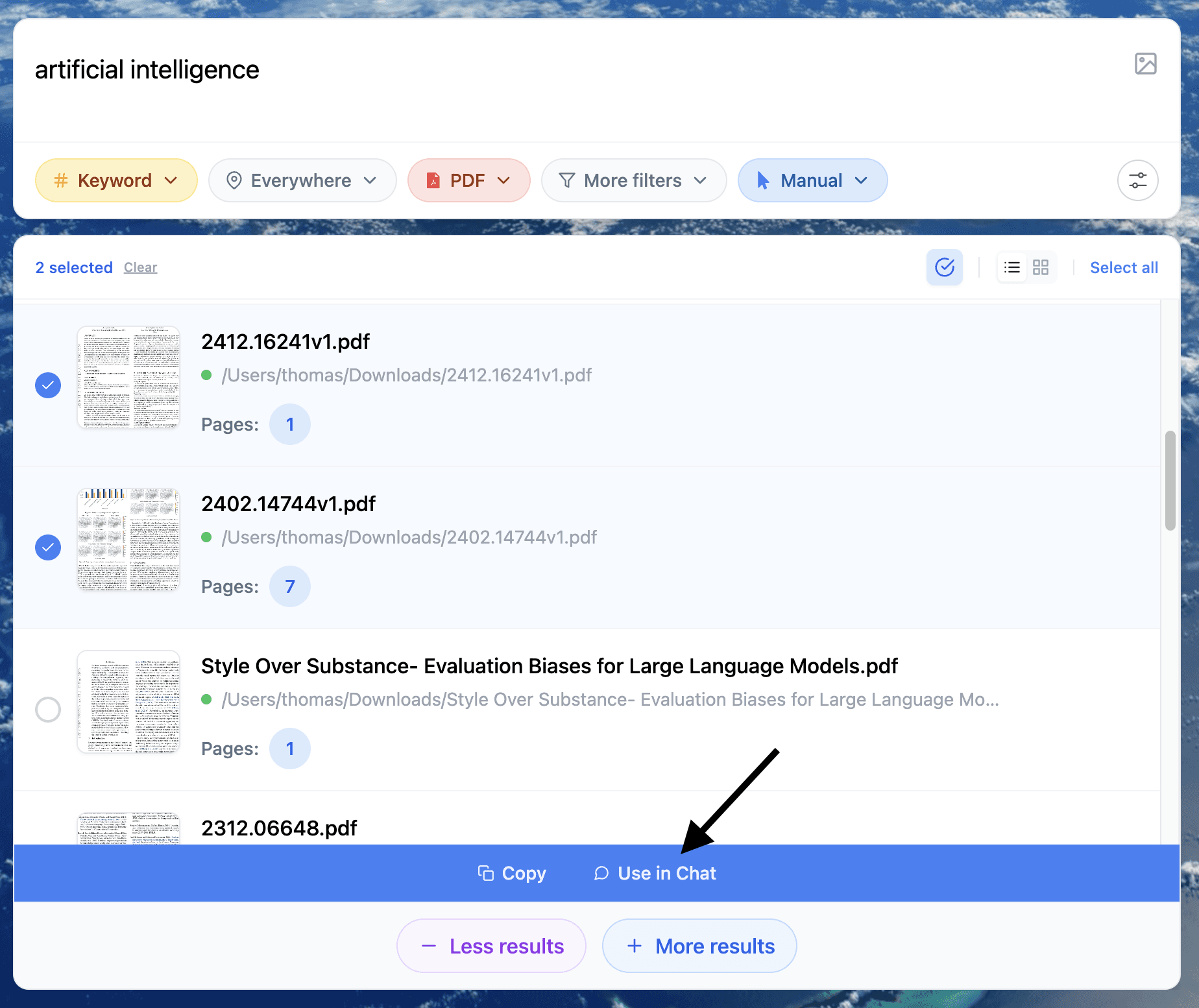
The simple workflow: index → search → chat (100% privately)
Index your files
Choose the folders and sources on your Mac you want Fenn to index.Search
Find what you need using keyword, semantic, or hybrid search.Open the result
Jump into the file you want, fast.Click “Chat with this file”
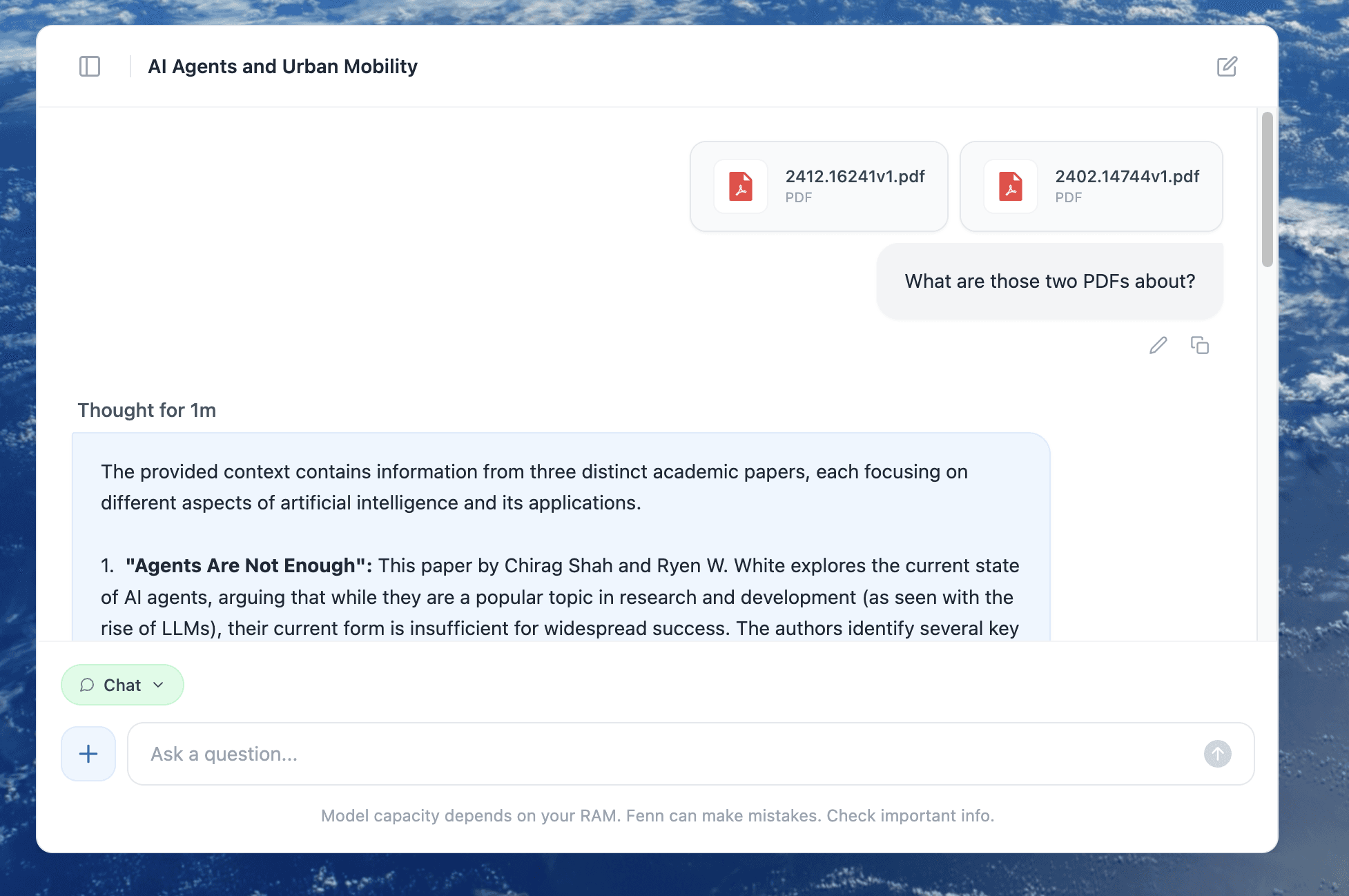
Switch to Chat mode to interact with that file privately.
What you can do in Chat mode
Summarize long PDFs into bullet points
Extract key details (dates, names, amounts, requirements)
Ask questions and get answers grounded in the file
Turn notes into action items, checklists, or drafts
Work with images and screenshots (extract text, explain content)
Use it as a writing assistant (rewrite, fix grammar, tighten emails)
The privacy difference
No ads
No data sent to external AI providers
No data used to train third-party models
Your data stays on your Mac
If you want to validate the “local” claim, the simplest test is practical: once models are downloaded, turn off Wi-Fi and keep working.
What to watch next
Personal Intelligence is a strong signal about where assistants are headed: more context, more retrieval, more personalization. The open question is not whether it will be useful. It is whether users will accept the privacy and policy tradeoffs required to get that usefulness.
If you are a consumer, connected apps may be a big upgrade.
If you are a professional with confidential files, the safer path is often on-device personal intelligence, built around the files you already have on your Mac.