The Best MacBook Air for Pros in 2026
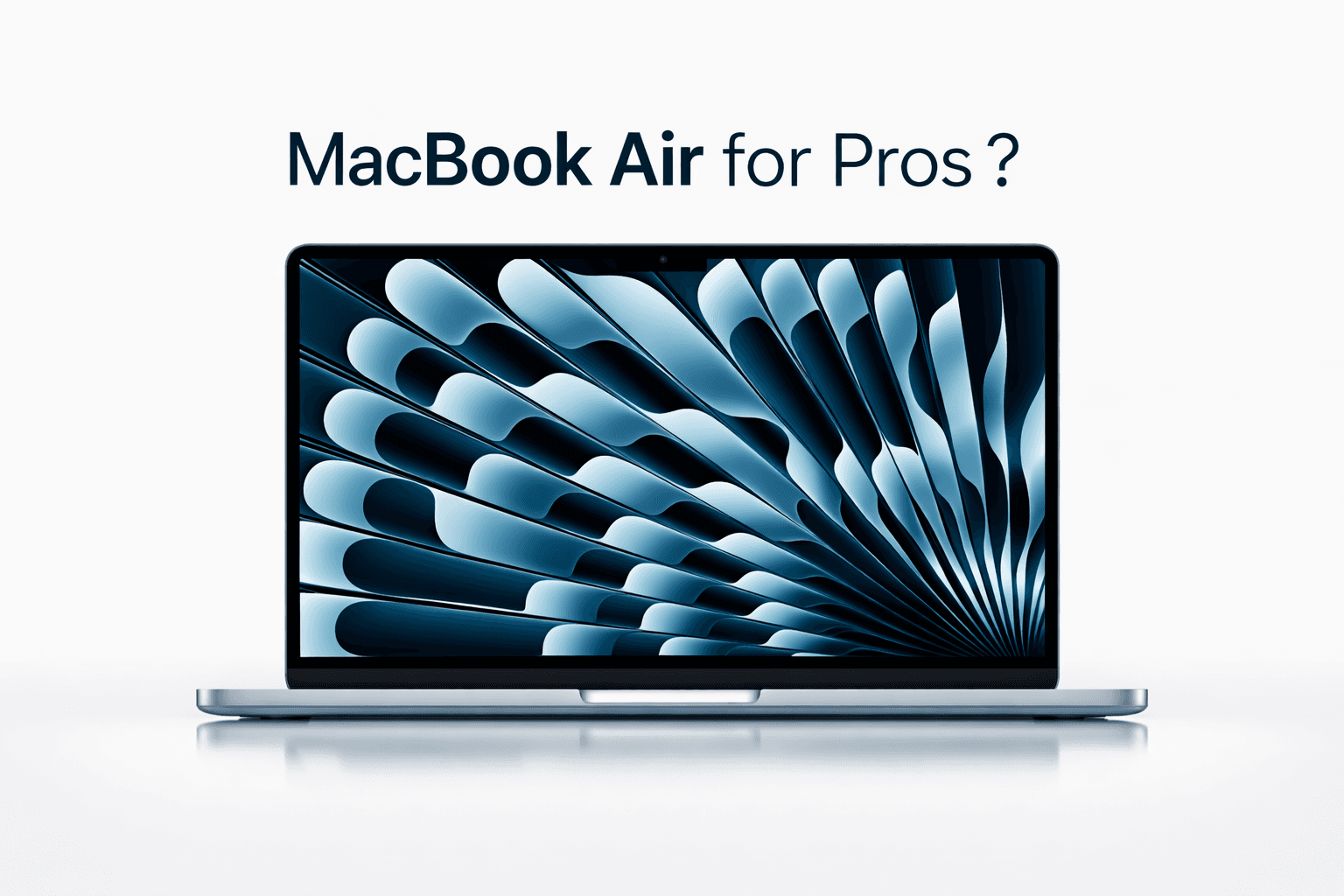
The Best MacBook Air for Pros in 2026
Last updated: February 2026. We’ll refresh this guide as new MacBook Pro models and pricing change.
Let’s be honest: MacBook Pro is the better “professional” laptop. It has more sustained performance, better thermals, and more headroom for heavy work.
But a lot of professionals do not want “the fastest.” They want the one they actually enjoy carrying every day.
If portability and battery life matter more than peak power, a MacBook Air can absolutely be a pro machine, as long as you buy the right configuration.
Here is the MacBook Air we recommend for pros right now, plus the specs that make it last.
The best MacBook Air for pros right now
Our pick: MacBook Air 15-inch (M4) with the 10-core GPU
Why this one:
The bigger display makes real work easier (spreadsheets, timelines, side-by-side apps)
The M4 Air with the 10-core GPU is the most capable Air configuration in the current lineup
It hits a sweet spot of portability, battery life, and performance for everyday pro work
If you prefer the smallest, lightest bag-friendly option, the 13-inch M4 Air is still excellent, but the 15-inch screen is the upgrade most pros feel every single day.
The configuration that makes it “pro”
Most people buy a MacBook Air the way they buy a phone: base model, hope for the best.
Pros should buy a laptop the way they buy a tool: for the next 4 to 6 years.
1) RAM: do not stop at 16GB
Absolute minimum: 16GB
Recommended for pros: 24GB or more
If you keep Macs for years: consider 32GB if it is available in your chosen model
Why RAM matters:
It keeps the machine fast as apps get heavier
It improves multitasking (browser tabs, Slack, docs, creative apps)
It enables smoother on-device AI workflows, including searching and extracting from large file sets
If you care about private AI on your Mac, memory headroom is the single best “future-proofing” spend.
2) SSD: 1TB is the pro baseline
Minimum that still feels OK: 512GB
Recommended: 1TB
Why:
Pros accumulate projects, client folders, exports, screenshots, recordings, and reference libraries
1TB lets you keep work local, which is faster and often safer than carrying external drives everywhere
It also leaves room for the “AI era” reality: more local data, more indexing, more retrieval
Who should buy a MacBook Air as a pro
A MacBook Air is a great pro laptop if your work looks like:
docs, email, web tools, CRM
heavy browsing with lots of tabs
spreadsheets and lightweight data work
light coding and scripting
design work that is not constantly exporting or rendering
research and writing
meetings, notes, presentations, consulting workflows
If you want a machine that is quiet, light, and lasts all day, Air is hard to beat.
Who should not buy a MacBook Air
Choose a MacBook Pro if you do any of this often:
sustained video editing and exports
3D work, heavy graphics, large renders
large Xcode builds all day
running heavier local AI models regularly
multiple external displays with demanding workflows
MacBook Air is great, but it is still fanless and built for efficiency.
Tight budget? The smarter move is often a previous-gen Air with more RAM
If the newest MacBook Air is out of reach, the best pro value is often:
a previous generation M1 or M2 MacBook Air
with at least 16GB of RAM
and ideally 512GB or 1TB storage
This is the rule that saves people from regret:
Do not buy an under-specced new Mac when you could buy a slightly older Mac with enough RAM.
RAM is what keeps a laptop feeling fast for years. You cannot “fix it later.”
Why this matters even more now: private AI is becoming a pro workflow
In the AI era, professionals are splitting into two camps:
people who paste sensitive work into cloud AI tools
people who keep workflows private, local, and compliant
If you handle confidential files, client materials, contracts, financials, HR docs, or personal documents, you need a way to get the AI benefits without sending your data to OpenAI or Google.
That is where Fenn fits.
Fenn is Private AI that finds any file on your Mac.
It lets you:
search inside PDFs, docs, slides, screenshots, scans, audio, and video
open results at the exact page, slide, frame, or timestamp
use Agent search for complex queries and Chat mode for answers
keep your data on-device
A MacBook Air with 24GB+ RAM and 1TB storage is a strong foundation for that kind of private, local productivity.
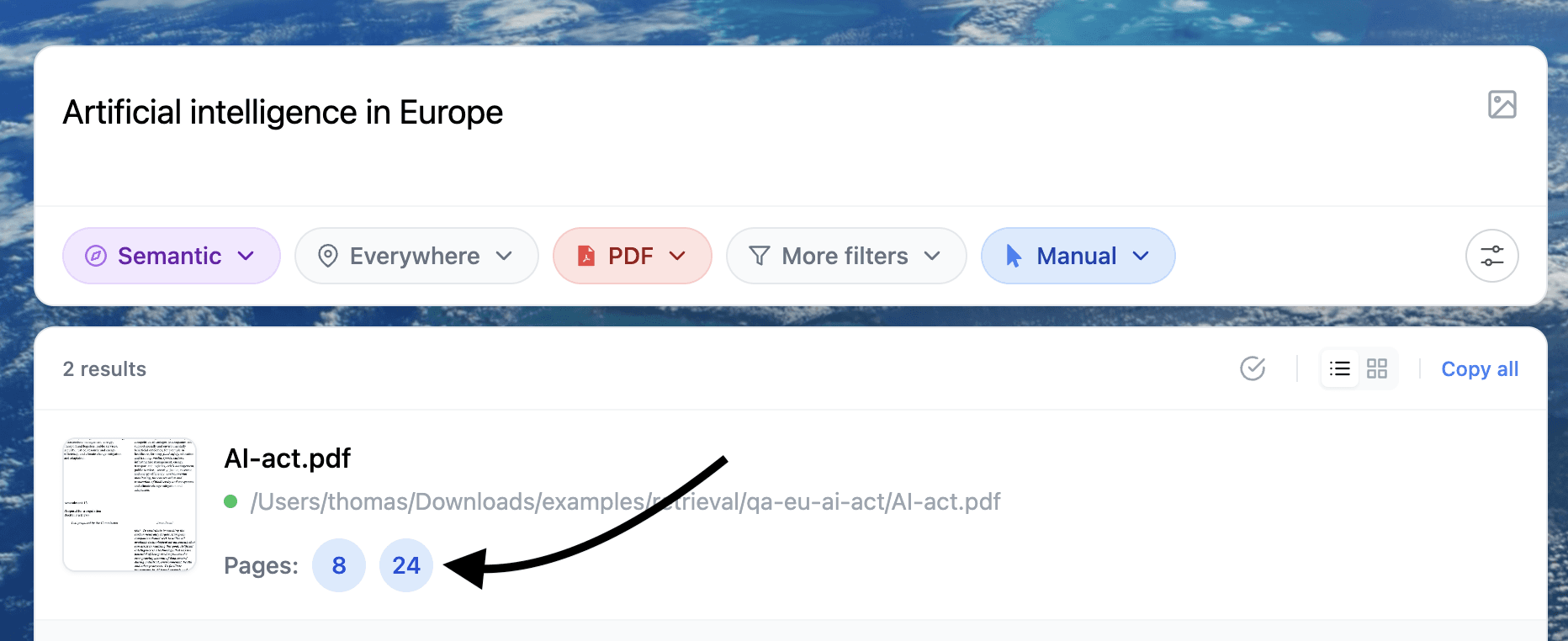
Example of search inside documents
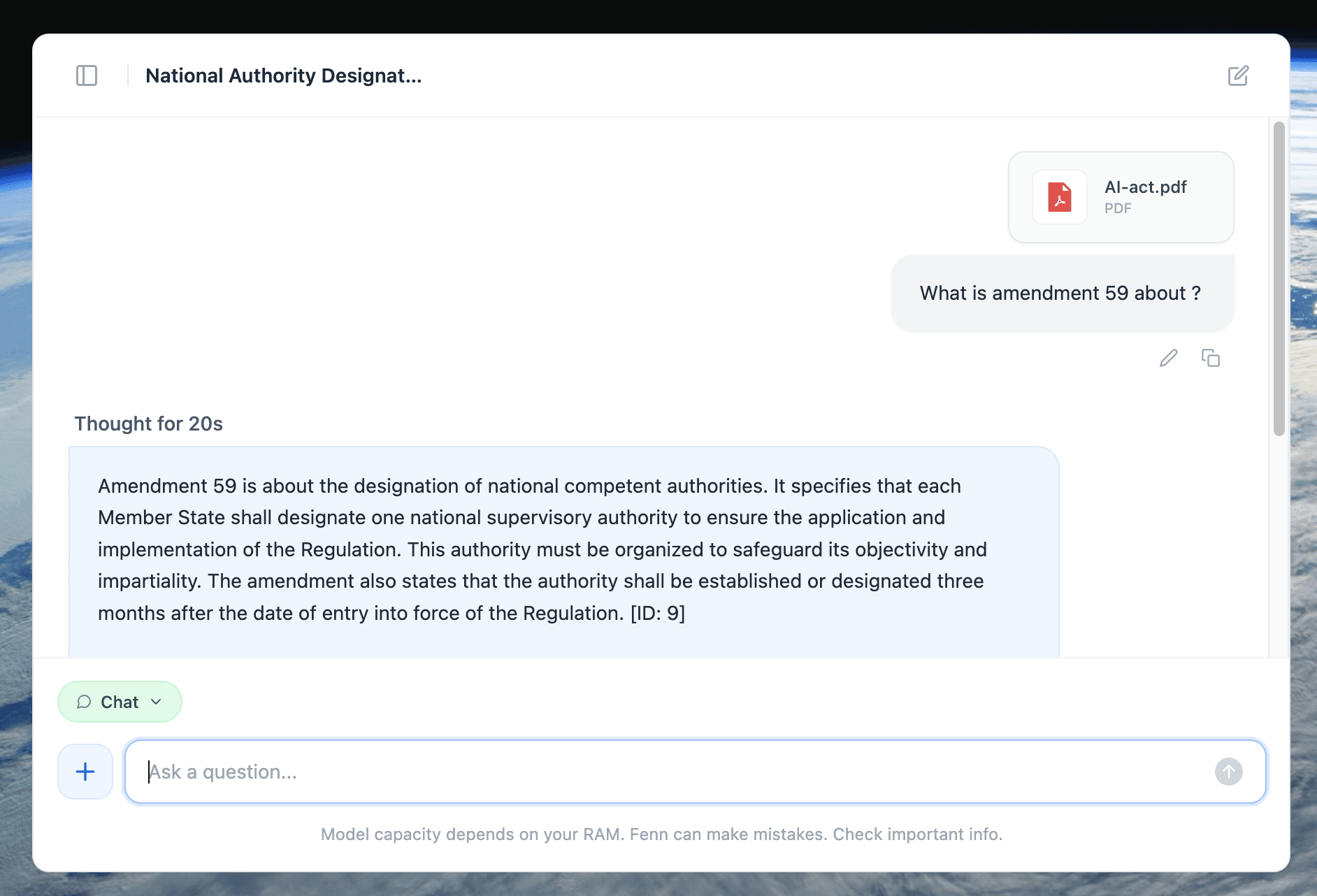
Example of a 100% private chat with a document, runnable fully on-device thanks to the power of Apple silicon chips
If you want the best MacBook Air for pro use right now:
MacBook Air 15-inch (M4, 10-core GPU)
24GB RAM or more
1TB SSD
If your budget is tight, buy a previous-gen Air, but do not compromise below 16GB of RAM.
That is how you get a pro laptop that stays good for years, not months.