What Your AI Still Can’t Do With Your Files
What Your AI Still Can’t Do With Your Files
People love to say AI can do anything now.
And in theory, that is almost true.
Claude Code can process files. Codex can process files. ChatGPT can help analyze documents, summarize content, extract data, and reason across large sets of information.
But there is still a very real limit.
Not a model limit.
A product limit.
Because cloud AI is not built for unlimited work on your private files.
The problem shows up the moment work gets real
Everything looks impressive in a demo.
A few files. A short task. A clean prompt.
But real work is not like that.
Real work looks more like this:
years of emails
huge folders of PDFs
receipts in mixed formats
screenshots, notes, recordings, exports
archives that keep growing
messy confidential data spread across many file types
That is when the friction starts.
Not because AI is not smart enough.
Because cloud AI providers cannot give unlimited compute to everyone, all the time.
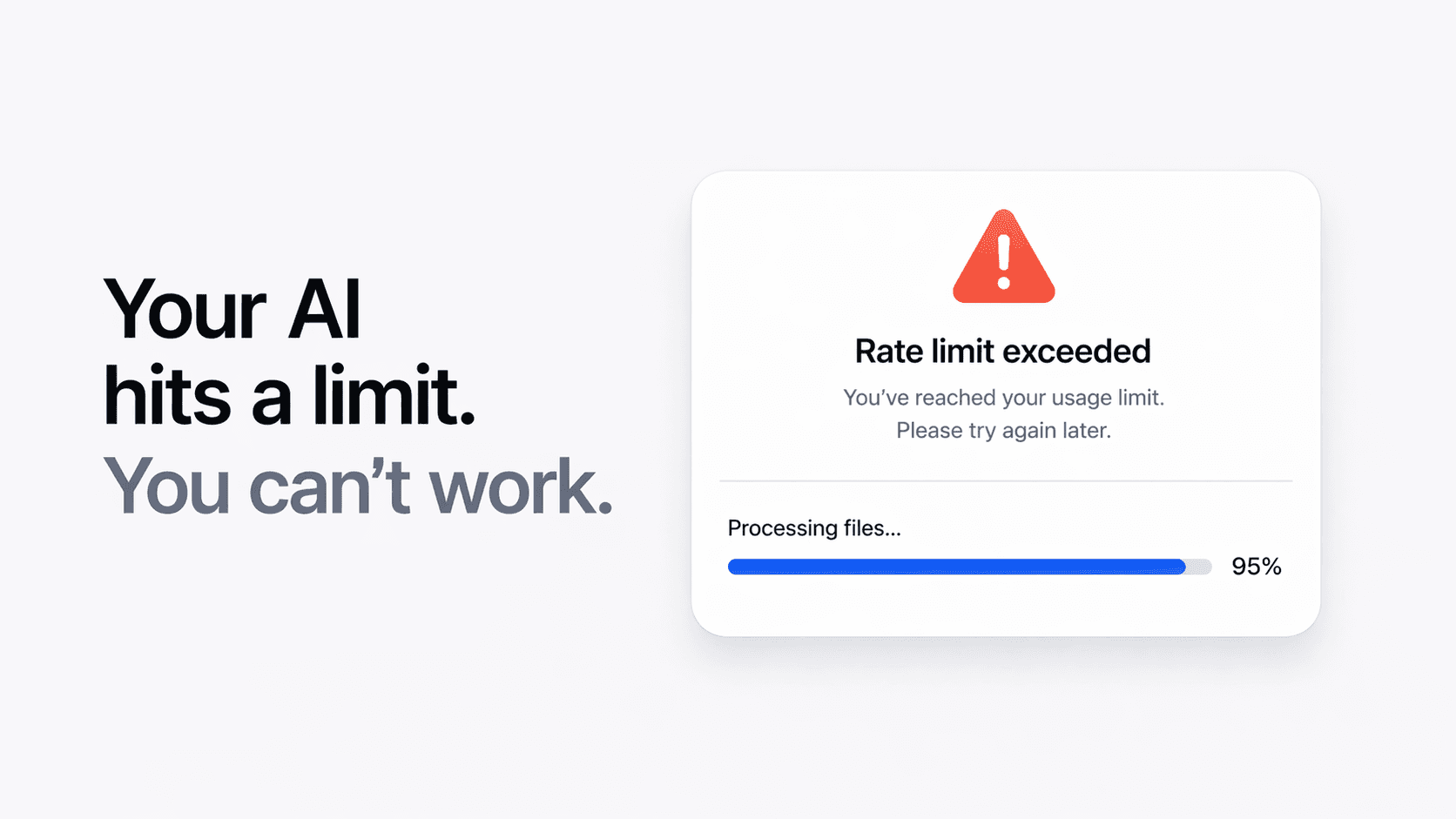
So eventually you hit the wall:
Rate limit exceeded
And your workflow stops.
If you have processed a lot of files, you have probably seen it
This is the dirty little secret of cloud AI tooling.
It is powerful, but it is metered.
The more files you process, the more context you send, the more reasoning you ask for, the more likely you are to run into limits.
That means cloud AI is often great for:
small batches
quick questions
occasional analysis
But much less comfortable for:
deep archive analysis
large scale extraction
repeated heavy workflows
long sessions on lots of private data
The issue is not intelligence.
It is access.
Your AI is still restricted by someone else’s budget
Cloud AI providers have to manage:
compute
energy
infrastructure
fairness across users
cost per request
That is why usage gets capped.
That is why heavy users hit limits faster.
That is why you can be blocked in the middle of actual work.
And that is exactly where local AI starts to matter.
Fenn works differently
Fenn runs on your Mac.
That changes the whole model.
You are not borrowing a remote AI budget from a provider.
You are using the power of your own machine.
That means the practical limit is no longer:
provider usage caps
cloud rate limits
someone else’s compute allocation
It becomes:
your Mac
your battery
your storage
your own hardware capacity
That is a much better trade if you work with lots of files.
No rate limit in the middle of your workflow
This is the part that matters most.
With Fenn, you are not working under the same kind of cloud quota pressure.
If you want to process more files, search deeper, extract more data, or keep going longer, you are limited by your Mac, not by a remote product usage meter.
That makes Fenn much better for workflows like:
analyzing huge local archives
searching years of files
extracting data from many receipts or invoices
transcribing lots of audio and video
chatting with large amounts of personal or work content
running AI on your files without stopping every time usage spikes
Privacy is the other half of the story
The rate limit problem is frustrating.
The privacy problem is bigger.
When you use cloud AI on your files, your data has to leave your Mac.
That might be acceptable for some tasks.
But not for:
confidential work
private archives
internal company documents
personal files
legal or financial records
Fenn avoids that entirely.
Your files stay on your Mac.
Your searches stay on your Mac.
Your work stays on your Mac.
That is not just better for privacy.
It is also better for peace of mind.
This is what local AI is actually good at
Local AI is not just about avoiding the cloud.
It is about making AI usable on real workloads.
Not toy workloads.
Not demo workloads.
Real ones.
The kind where you want to:
search across everything
process lots of files
keep going without interruption
avoid exposing confidential material
use AI as part of normal work, not as a limited novelty
That is where Fenn wins.
The bottom line
Your AI still cannot truly work on your files the way you want if every serious session ends with a limit, a slowdown, or a privacy compromise.
Cloud AI is useful.
But it is still restricted.
Fenn gives you a different model:
local
private
not capped
built for real file workflows on your Mac
So if you are tired of hitting limits while working through your own files, that is the difference that matters.
Download Fenn and find the moment, not the file.