MacBook Pro M5 Pro & M5 Max: Should You Upgrade?
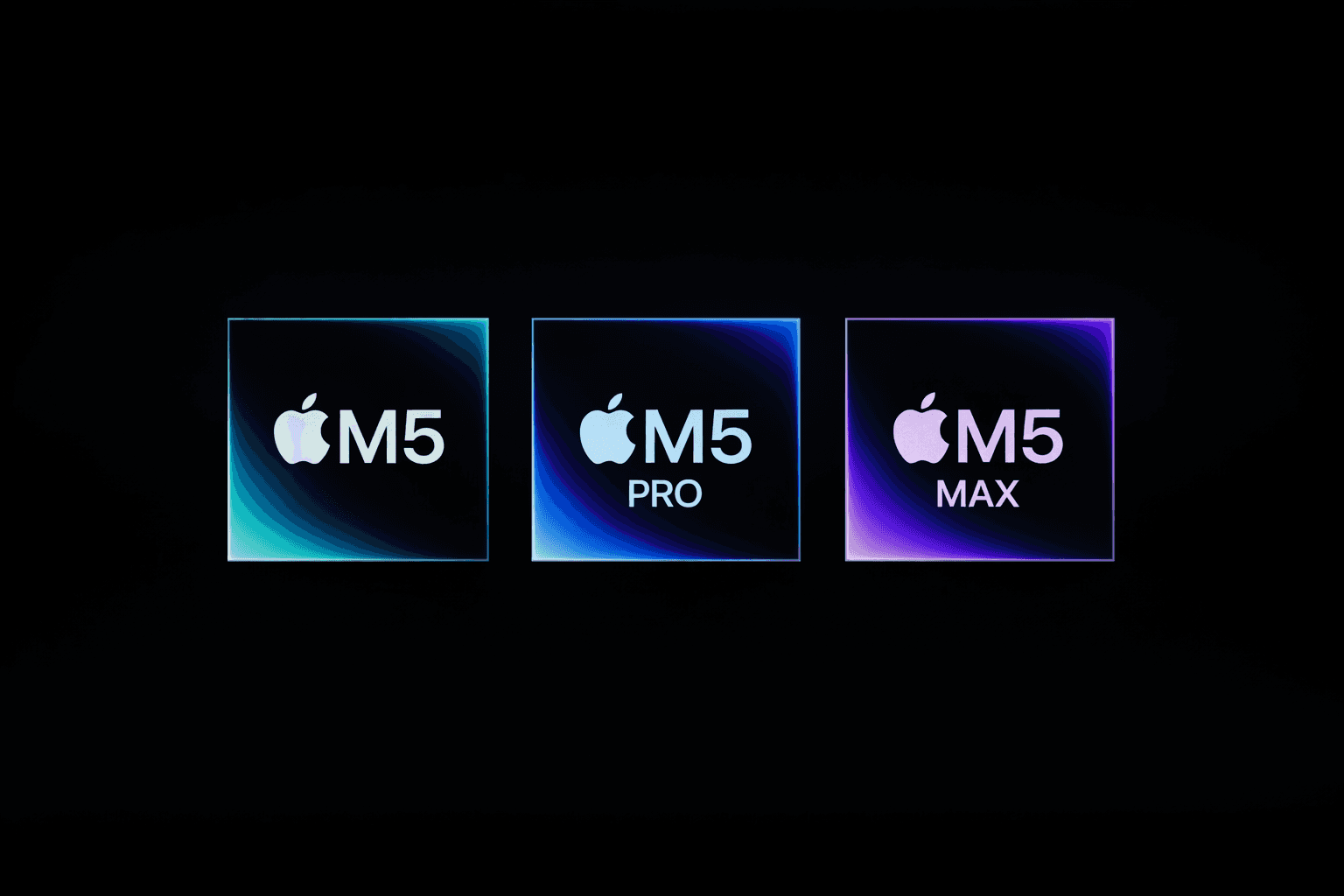
Apple’s new MacBook Pro with M5 Pro and M5 Max is clearly a very good laptop. Apple says these new chips are faster, support more memory, and are built for demanding work. The new models also start with more storage than before, with 1TB on M5 Pro and 2TB on M5 Max.
The early benchmark results also look strong. One of the first M5 Max benchmark results showed roughly 15 percent faster CPU performance than the M4 Max, and graphics performance appears to be around 20 percent higher in early tests.
So yes, this is a real upgrade.
But that does not mean everyone should buy it.
Who should upgrade
You should seriously consider upgrading if you have:
an M1 Pro or M1 Max
a machine with not enough memory for your current work
heavier workflows like video editing, large creative projects, coding, or private AI on your Mac
That’s where the M5 Pro and M5 Max make the most sense. Apple now offers up to 64GB of unified memory on M5 Pro and up to 128GB on M5 Max, which is a big deal for people who want one laptop that will stay useful for years.
Who should skip
You should probably skip this generation if you already have:
an M2 Pro or M2 Max
an M3 Pro or M3 Max
an M4 Pro or M4 Max
plenty of unified memory already (RAM)
a current MacBook Pro that still feels fast and comfortable
Yes, the new models are better. But if your laptop is already doing everything you need, this is the kind of upgrade you can safely skip. A 15 percent speed boost is nice. It is not life-changing for most people.
M5 Pro or M5 Max?
For most people, M5 Pro is the smarter buy.
It is already a serious professional laptop. It gives you strong performance, more storage by default, and enough power for most demanding work.
You should choose M5 Max only if you know you have heavier needs, like:
advanced video work
3D work
very large creative projects
heavier local AI workloads
buying the most powerful MacBook Pro possible and keeping it for a long time
The most important advice: prioritize unified memory
For non-technical buyers, this is the easiest rule to remember:
Do not buy a high-end MacBook Pro with too little unified memory.
The new chips are great, but memory is what helps your laptop stay useful over time. If you work with lots of apps, lots of tabs, large files, or want to use AI privately on your own Mac, more memory matters more than chasing every new chip generation. Apple’s new models support much larger memory limits, and that is one of the best reasons to upgrade.
Why this matters for private AI
If you want to use AI without sending your work to cloud providers, these new MacBook Pros are very appealing. Apple is clearly positioning M5 Pro and M5 Max for demanding AI and pro workflows, and the higher memory options make them much better suited to local, private work.
That is also where Fenn fits. Fenn is Private AI that finds any file on your Mac. A more powerful MacBook Pro means faster indexing, smoother search, and a better experience when you want to search inside your files without sending them to OpenAI, Google, or Anthropic.
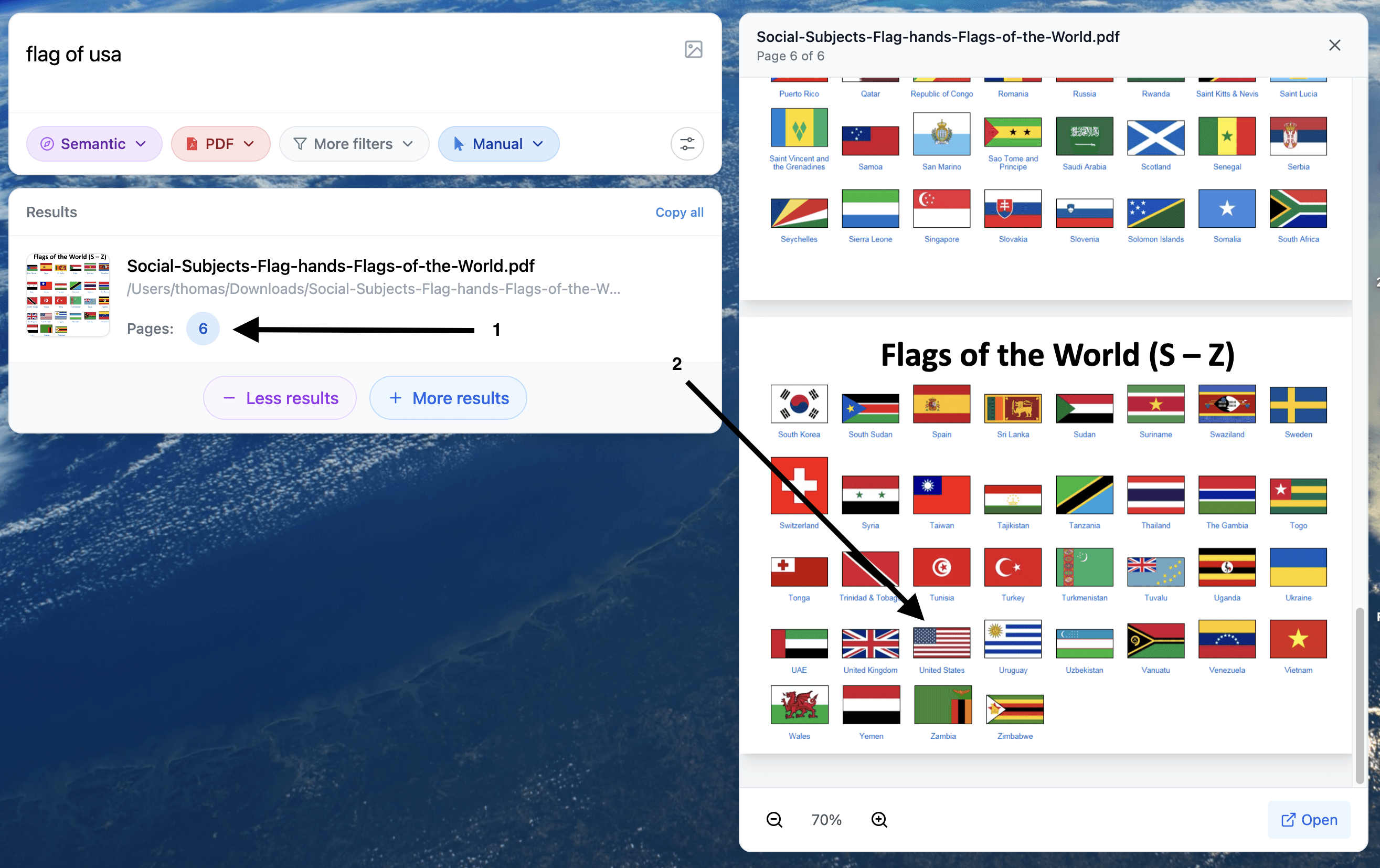
Example of a search for visual content inside a PDF.
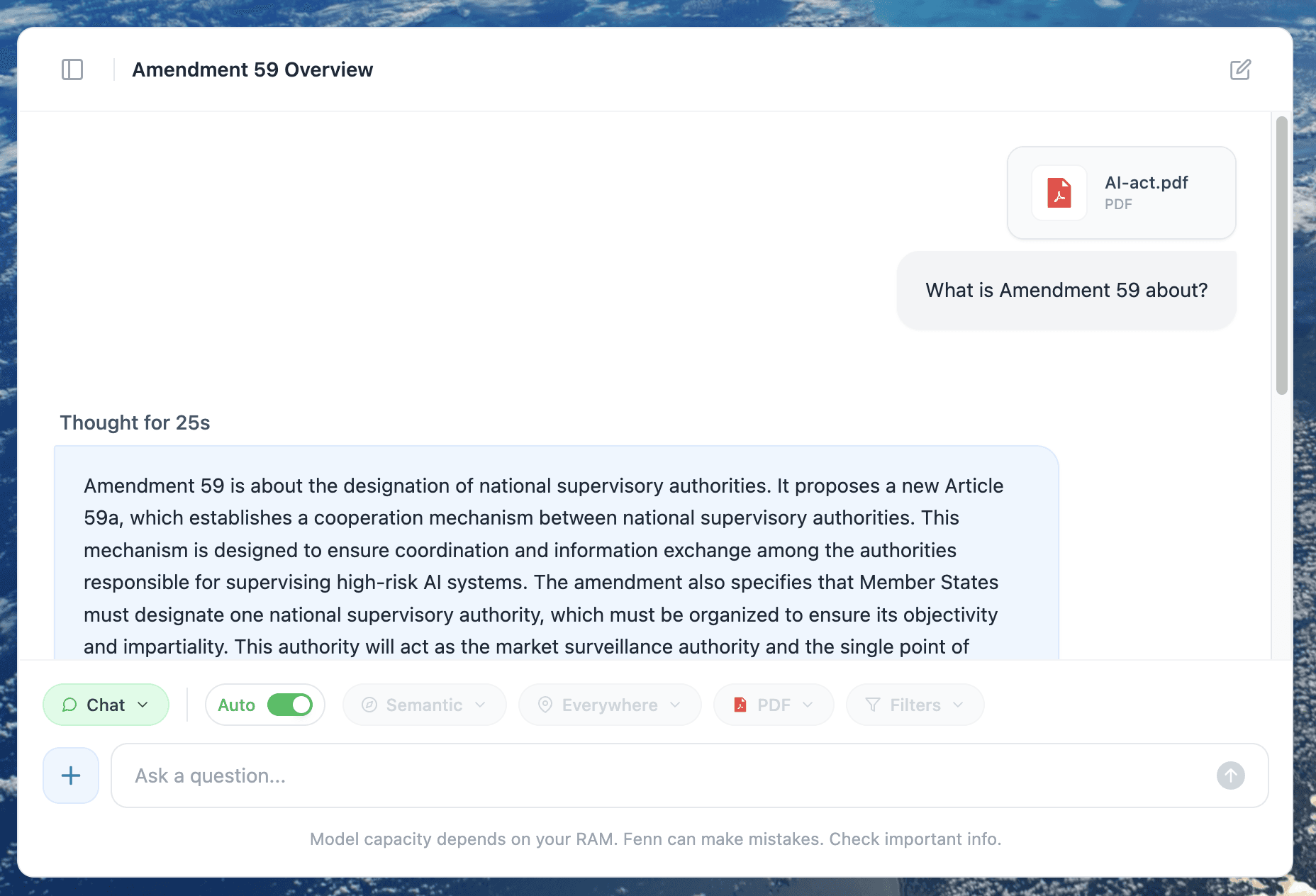
Example of a 100% private chat with a long PDF. Everything works locally, 100% offline.
The new M5 Pro and M5 Max MacBook Pro models are excellent.
But the honest advice is simple:
Upgrade if you are on M1 or M2, especially if your current laptop does not have enough memory
Skip if you already have an M3 or M4 Pro/Max machine that still feels great
Choose memory first, because that is what makes a professional laptop last
That is the difference between buying a laptop that feels impressive today, and buying one that still feels right in a few years.