The Best MacBook Pro for Pros in 2026
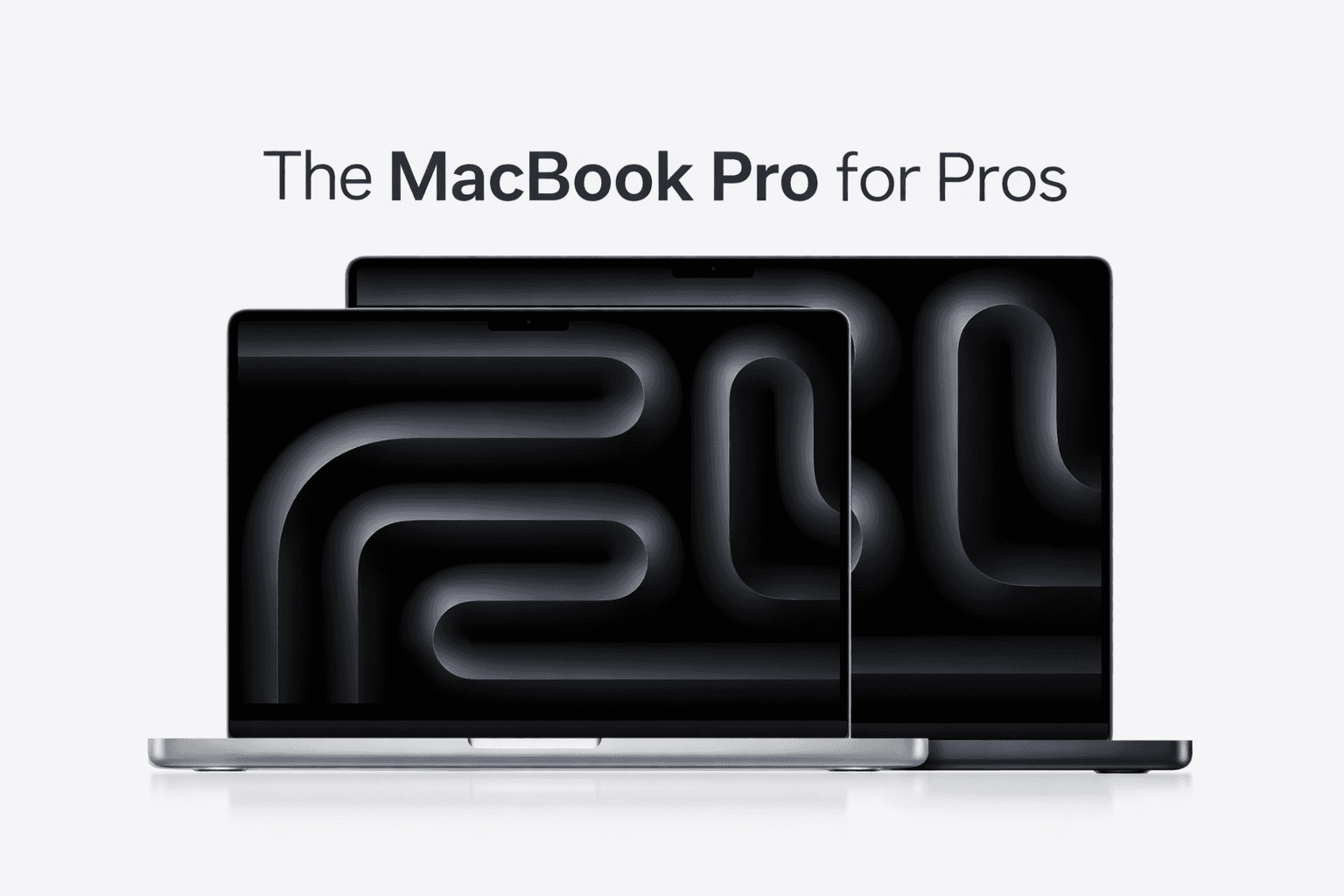
The Best MacBook Pro for Pros in 2026
Last updated: February 2026. We’ll refresh this guide as new MacBook Pro models and pricing change.
If you do professional work that pushes your machine, video exports, big photo catalogs, 3D scenes, large codebases, heavy multitasking, local AI, you want a laptop built for sustained performance.
That is why the MacBook Pro exists.
It is not just faster than a MacBook Air. It is designed to stay fast under load, with better cooling, more ports, better displays, and more headroom for the next few years of heavier software.
Here is the MacBook Pro we recommend for pros right now, and the configuration choices that make it a good long-term tool.
The best MacBook Pro for most pros right now
Our pick: MacBook Pro 16-inch (Max chip)
If you want one pro laptop that you can keep for years and never feel boxed in, the 16-inch MacBook Pro with a Max-class chip is the safest “buy once” choice.
Why this one works for pros:
Better sustained performance for long renders, exports, and builds
Bigger screen for real work, timelines, code, and side-by-side apps
More thermal headroom, so performance stays consistent
Stronger GPU performance for creative apps and local AI workloads
The best long-term ceiling if your workload grows over time
If you regularly push your machine for more than a few minutes at a time, the 16-inch chassis tends to hold up better.
The best MacBook Pro if you want portability
Alternative pick: MacBook Pro 14-inch (Pro or Max chip)
If you travel a lot or work in tight spaces, the 14-inch is the portable pro machine.
You still get the Pro features that matter, display, ports, sustained performance, but in a smaller footprint.
The tradeoff is simple:
16-inch is best for heavy sustained work and screen space
14-inch is best for portability with serious power
The configuration that makes it truly “pro”
Pros should buy laptops as long-term tools. The goal is to avoid the “this felt fast for a year” regret.
1) RAM: 32GB is the bare minimum for pros
Bare minimum for professional use: 32GB
Better long-term target: 36GB to 64GB depending on workload
If you do heavy video, 3D, or local AI: more RAM is usually the best upgrade you can buy
Why RAM matters more in 2026 than it used to:
modern apps hold more in memory
browsers are heavier, and pros keep lots of apps open
local AI workflows benefit directly from memory headroom
you cannot upgrade RAM later on Apple Silicon
If you keep Macs for years, RAM is often the best future-proofing spend.
2) SSD: 1TB is the pro baseline
Recommended minimum: 1TB
Consider 2TB+ if your work involves multiple large projects, footage, asset libraries, or you want everything local
Why:
pros accumulate project folders quickly
fast local storage keeps workflows smooth
staying local also reduces reliance on external drives and cloud storage
Which MacBook Pro chip should you choose?
A simple guide:
Choose a Pro chip if
you are a developer, analyst, consultant, or operator
your work is heavy but not constant GPU stress
you want great performance and battery life at a lower price than Max
Choose a Max chip if
you do video editing and frequent exports
you do 3D, motion graphics, heavy GPU tasks
you want the most headroom for local AI and creative workloads
you would rather overbuy once than upgrade again soon
Most “pros” are served well by a Pro chip with the right RAM and SSD. Max is for people who actually feel GPU pressure weekly.
Who should buy a MacBook Pro
MacBook Pro is the right choice if you do any of these regularly:
sustained video editing, exports, motion graphics
large photo libraries and heavy editing
3D, CAD, rendering
serious software development and long builds
running local AI models and indexing large datasets
multi-display desk setups with lots of apps open
MacBook Air can be a pro machine for many people, but MacBook Pro is the safer choice when performance under load is the job.
Tight budget? The smarter pro move is often a previous-gen Pro with more RAM
If a brand-new MacBook Pro is out of reach, consider:
refurbished or previous generation MacBook Pro
prioritize 32GB RAM minimum
keep 1TB storage as the target if you can
The rule:
Do not buy a new MacBook Pro with too little memory if you can buy a slightly older one with enough RAM.
A slightly older Pro with 32GB will often feel better for longer than a newer base model that runs out of headroom.
Why this matters more now: private AI is becoming a pro workflow
A lot of “AI productivity” today means pasting sensitive work into cloud AI services.
For many professionals, that is not acceptable. Client confidentiality, compliance, internal policy, or just basic privacy makes it a no-go.
If you want AI that helps you work with your files without sending them to OpenAI or Google, you need an on-device approach.
That is where Fenn fits.
Fenn is Private AI that finds any file on your Mac:
search inside PDFs, documents, slides, spreadsheets
find text inside screenshots and images
work across audio and video and jump to the exact timestamp
open results at the exact page or slide
use Agent search and Chat mode on top of your files
keep everything on-device, private by default
A MacBook Pro with 32GB+ RAM and 1TB storage is an ideal foundation for private, local productivity.
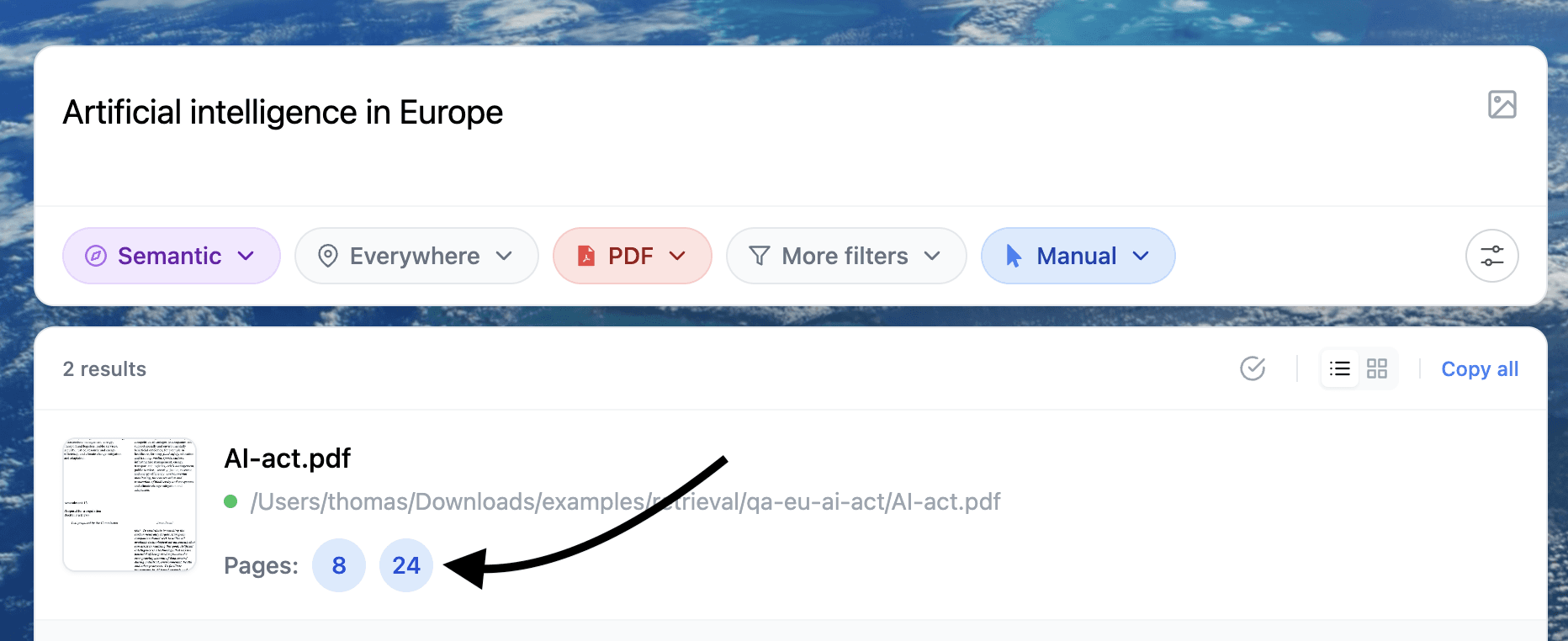
Example of search inside a document
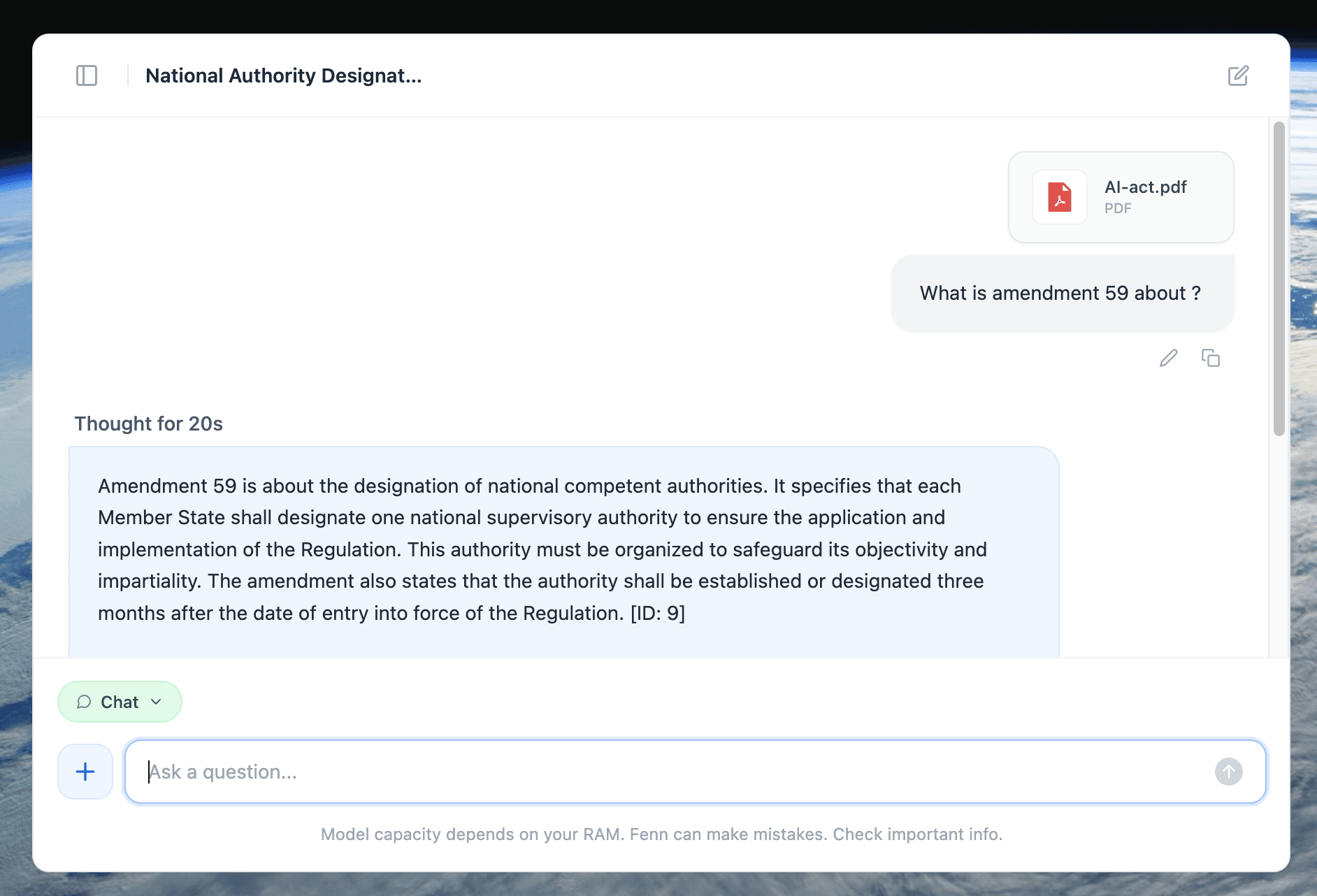
Example of a 100% private chat with a document
If you want the best MacBook Pro for professional work:
MacBook Pro 16-inch if you want maximum screen, thermals, and long-term headroom
MacBook Pro 14-inch if you want portability without giving up pro features
32GB RAM is the minimum for pros
1TB SSD is the most practical baseline
Buy for the next few years, not just today’s workload. That is what makes a pro laptop feel like a good decision every time you open it.