The Best Mac mini for Pros in 2026
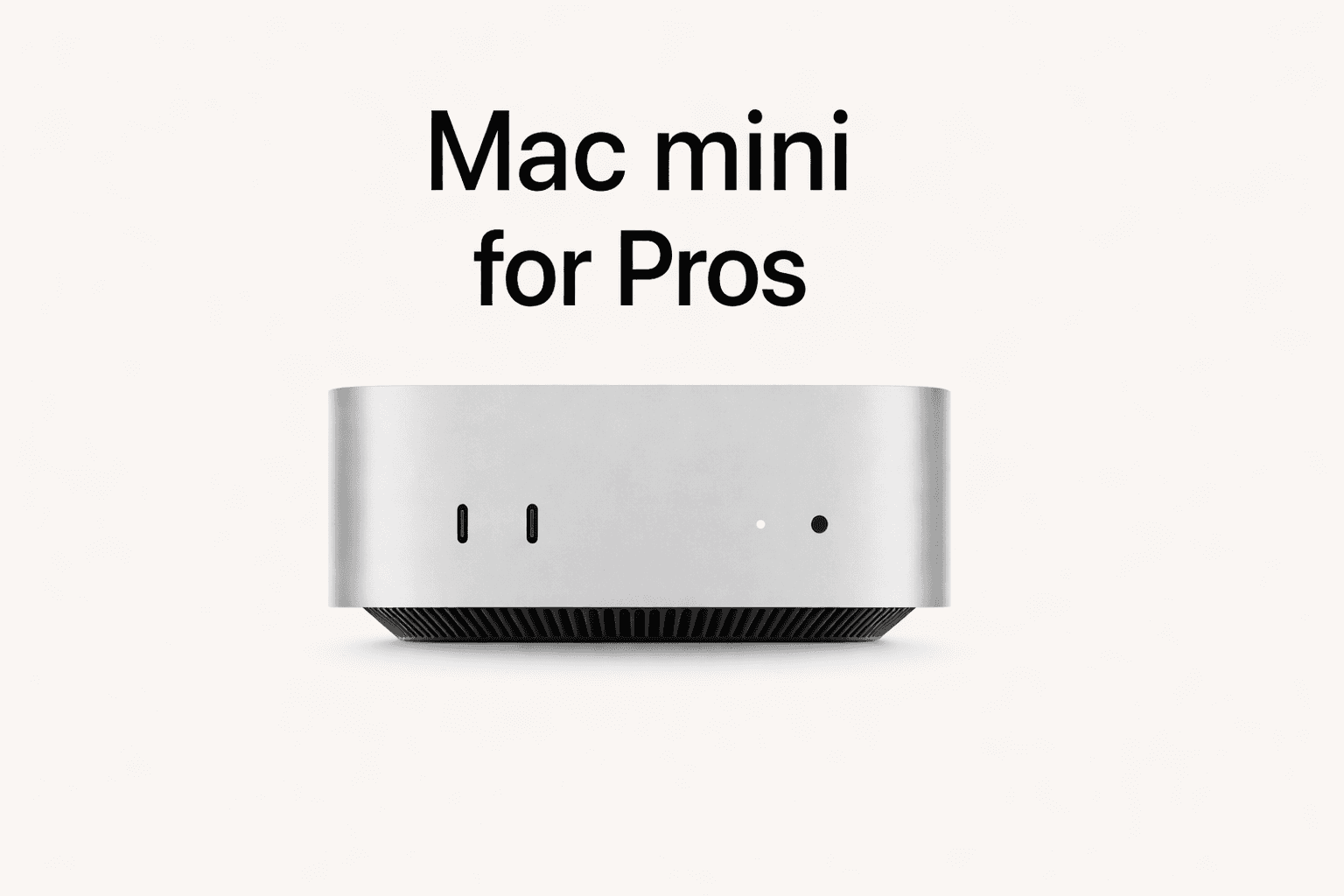
Best Mac mini for Pros in 2026
MacBook Air is for portability. MacBook Pro is for power on the go.
But if you work mostly at a desk, the best “pro” upgrade is often simpler: stop paying for a laptop you rarely unplug and buy a desktop Mac that stays fast for years.
That is why the Mac mini is having a moment.
It is quiet, efficient, and powerful enough for serious work, especially on Apple Silicon. It is also one of the best values in the entire Mac lineup.
Here is the Mac mini we recommend for pros right now, and the specs that make it a long-term pro tool.
The best Mac mini for most pros right now
Our pick: Mac mini with an M-series Pro chip
For professional work, the Mac mini sweet spot is the Pro chip tier.
Why:
it has more sustained performance headroom
it handles heavier multitasking and pro apps better
it stays comfortable under load for longer sessions
it gives you a better long-term ceiling without jumping to Mac Studio pricing
If your job includes heavy browser use plus pro apps, multiple external displays, large files, or frequent exports, the Pro tier is the one that feels “effortless.”
The configuration that makes Mac mini truly pro
Pros should buy desktops as long-term tools. The goal is not “it works today.” The goal is “it still feels fast in 3 to 5 years.”
1) RAM: treat 32GB as the pro baseline
Bare minimum for pros: 32GB
Better for long-term comfort: 36GB to 64GB if you run heavier workloads
Why RAM matters:
it keeps your machine fast under multitasking
it reduces slowdowns when working with large files
it is the foundation for on-device, private AI workflows
it cannot be upgraded later on Apple Silicon
If you are buying one machine that you want to keep, RAM is the upgrade to prioritize.
2) SSD: 1TB is the practical pro minimum
Recommended baseline: 1TB
Consider 2TB if you keep big project folders, asset libraries, or local archives
Why:
pro work generates a lot of files
local storage is faster and simpler than juggling external drives
keeping work local is often better for confidentiality
Who should buy a Mac mini as a pro
Mac mini is a strong choice if you:
work mostly at a desk
use one or two external displays
do software development, analysis, research, writing, consulting, ops
work with large document sets and many projects
want a quiet machine you never think about
It is also ideal if you already have:
a keyboard, mouse, and monitor you like
a home office or dedicated desk setup
Who should not buy a Mac mini
Mac mini is not the right pick if you:
need portability
travel frequently and need your machine everywhere
do heavy GPU work daily, like high-end 3D or constant video exports
need the absolute maximum GPU and memory bandwidth for local models
In those cases, a MacBook Pro or Mac Studio can be a better fit.
Budget strategy: do not overspend on base models
A common mistake is buying the base Mac mini and trying to “make it pro” later.
You cannot upgrade memory later, so the best approach is:
buy the right RAM upfront
buy enough SSD to keep your projects local
treat the Mac mini as a multi-year tool
If budget is tight, a previous-generation Mac mini with more RAM can be a smarter pro buy than a newer base model with limited headroom.
Why Mac mini is becoming popular for local, private AI
This is a big reason the Mac mini trend is accelerating.
A desktop Mac mini can be a dedicated local AI machine:
always on
always at your desk
quiet and power-efficient
capable enough to run private workflows without cloud dependency
This matters for professionals because a lot of cloud AI workflows require pasting sensitive information into third-party services.
For confidential work, you want AI that runs locally.
Where Fenn fits: private intelligence across your files
A lot of people buy a Mac mini thinking they want “AI.”
What they actually need is:
to find the exact file
and the exact moment inside the file
without uploading their documents to cloud AI providers
That is what Fenn does.
Fenn is Private AI that finds any file on your Mac:
search inside PDFs, docs, slides, spreadsheets
find text inside screenshots and images
work across audio and video and jump to timestamps
open results at the exact page, slide, frame, or moment
use Agent search for complex questions and Chat mode for answers
keep everything on-device
This is why Mac mini is such a good base: you can build a private intelligence workstation at your desk.
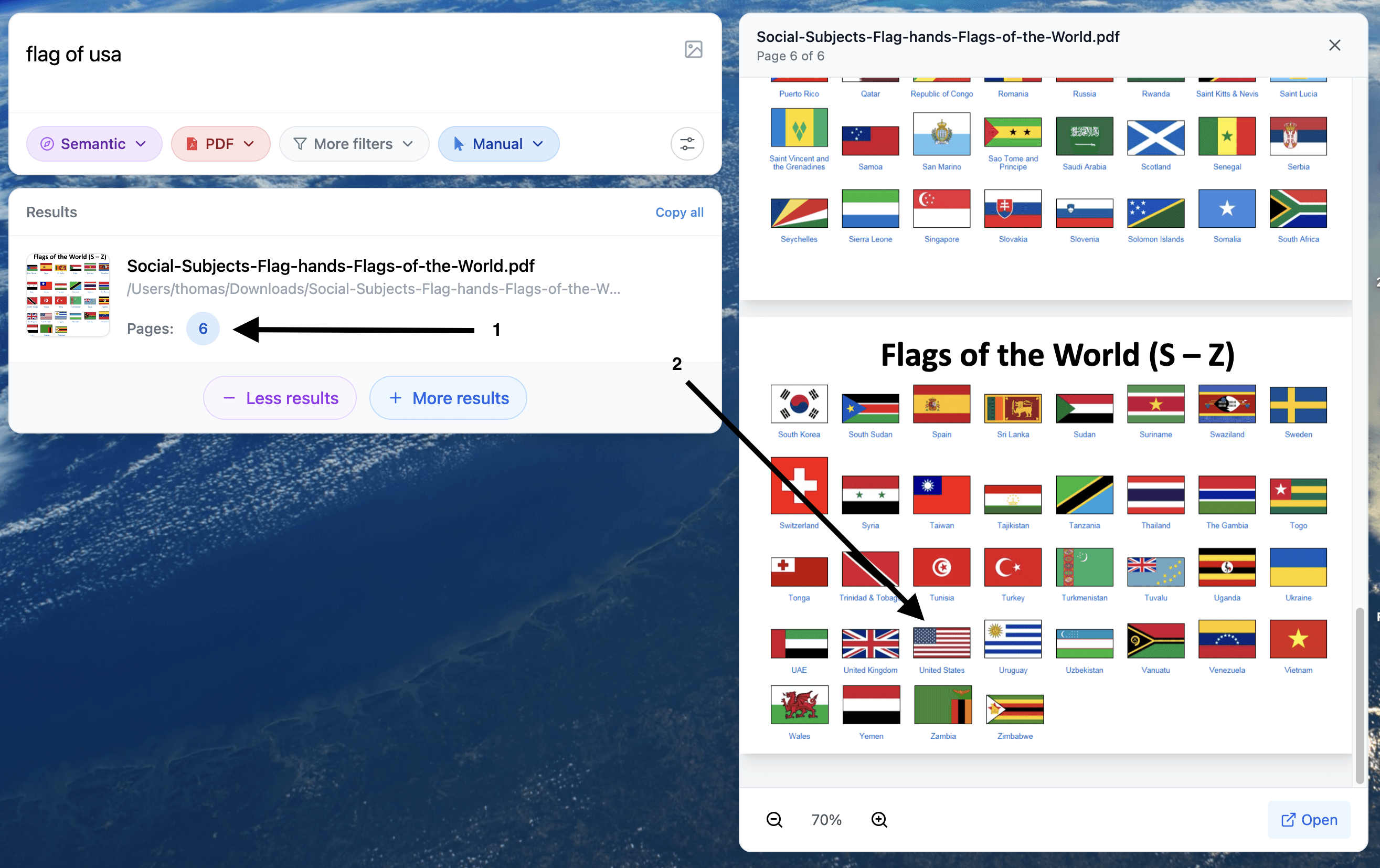
Example of search for visual content inside a PDF
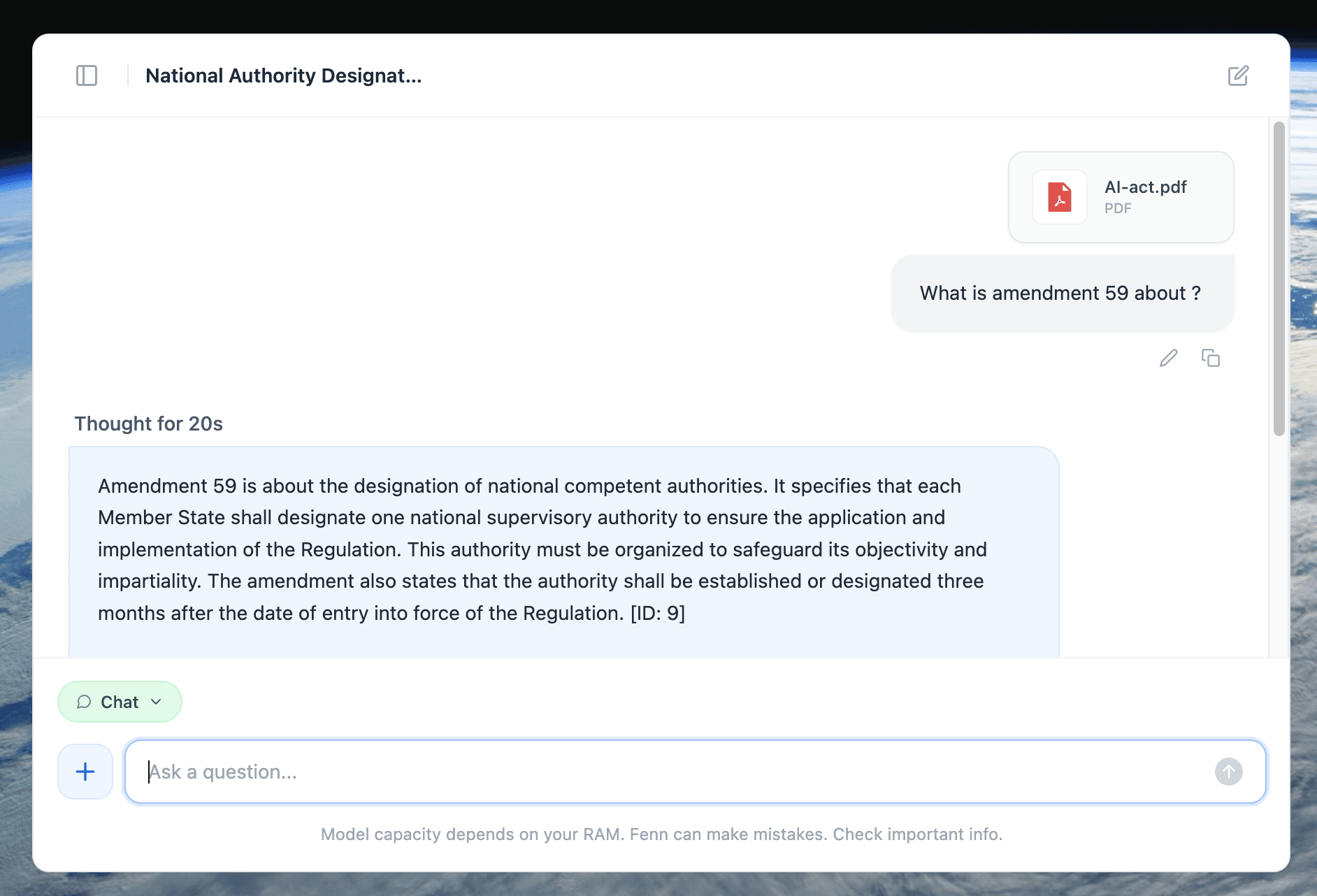
Example of a 100% private chat with a +500 pages PDF. 100% local
The bottom line
If you are a professional who works mainly at a desk, Mac mini is one of the best value upgrades you can make.
Recommended setup:
Mac mini with a Pro chip
32GB RAM minimum
1TB SSD
more RAM and storage if you run heavier workloads or want maximum future-proofing
Add a private file intelligence layer and you get something even better than “a fast computer.”
You get a workstation that helps you find what you need instantly, without sending your work to someone else’s servers.