Fenn vs Rclip: Semantic Photo Search on Mac
Fenn vs Rclip: Semantic Photo Search on Mac
Semantic photo search is one of those features that feels obvious once you try it.
Instead of searching for filenames like:
DSC_4821.ARWIMG_0942.JPGFUJI_2023_11.RAF
you search for what you remember:
“dog running on the beach”
“red dress in a city street”
“mountain photo at sunset”
“product shot on a dark background”
That is useful for anyone with a large photo library.
And if you search online for semantic photo search tools, you may find rclip.
rclip is a great open-source project. It is free, local, and powerful for technical users. But it is not built for the same workflow as Fenn.
The short version:
rclip is a command-line semantic photo search tool. Fenn is a private file intelligence app for Mac with a real UI, RAW file support, OCR, and broader file search.
What rclip does well
rclip is an AI-powered semantic photo search tool for the command line. Its GitHub README says it is powered by OpenCLIP’s ViT-B/32 model and can search a local photo library with natural-language queries, similar image search, or mixed text and image queries from the terminal.
That is genuinely useful.
If you are technical and comfortable with the terminal, rclip can help you search images with commands like:
or use an image as the query to find similar images. rclip also supports image-to-image search, where you pass a file path or image URL and it returns visually similar results.
It is also free and open source under the MIT license.
So this is not a “rclip is bad” comparison.
rclip is good.
The real question is:
Is it the right tool for a photographer or creative professional who wants semantic photo search on Mac without technical friction?
The main difference: terminal vs real Mac app
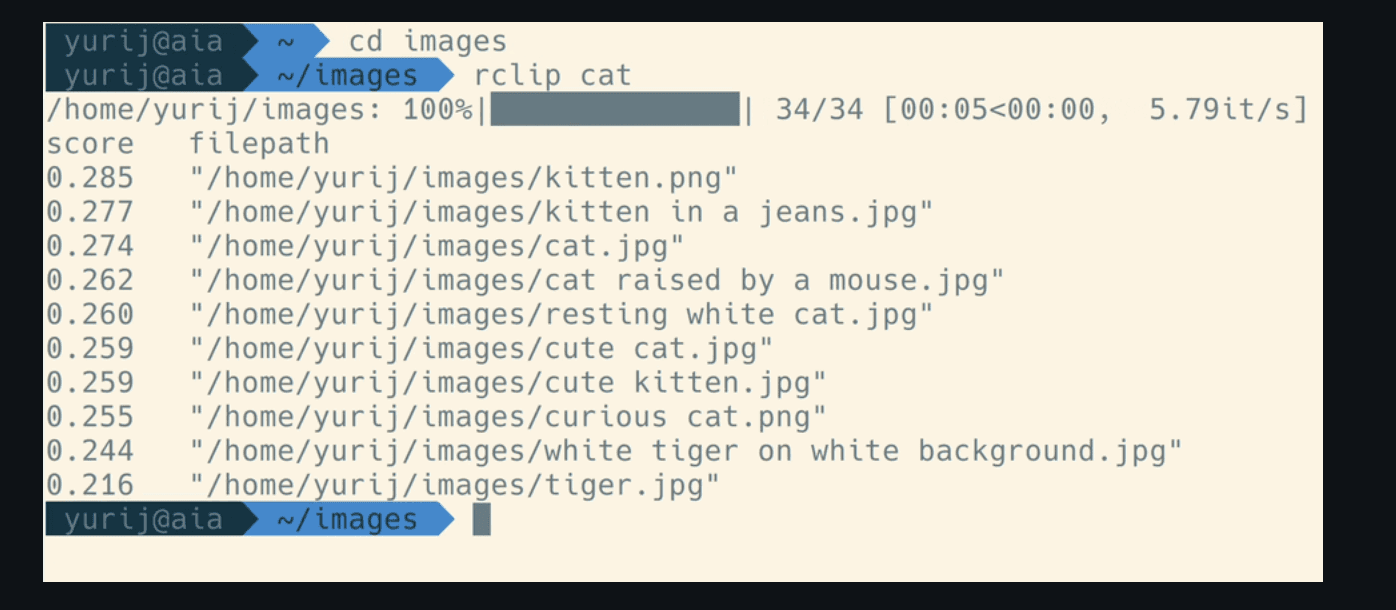
rclip is built for people who are comfortable in the command line.
That means you search from Terminal, pass commands, pipe output, and optionally preview results depending on your terminal or external viewer setup. The README even includes examples for piping results into other tools or using terminal preview flags.
That is fine for developers.
But most photographers and creatives do not want to search their archive from Terminal.
They want:
a visual interface
thumbnails
simple search
no command syntax
no setup friction
support for the files they actually shoot
That is where Fenn is more convenient.
Fenn is built as a Mac app.
You search your photo archive from a normal interface, not a command-line workflow.
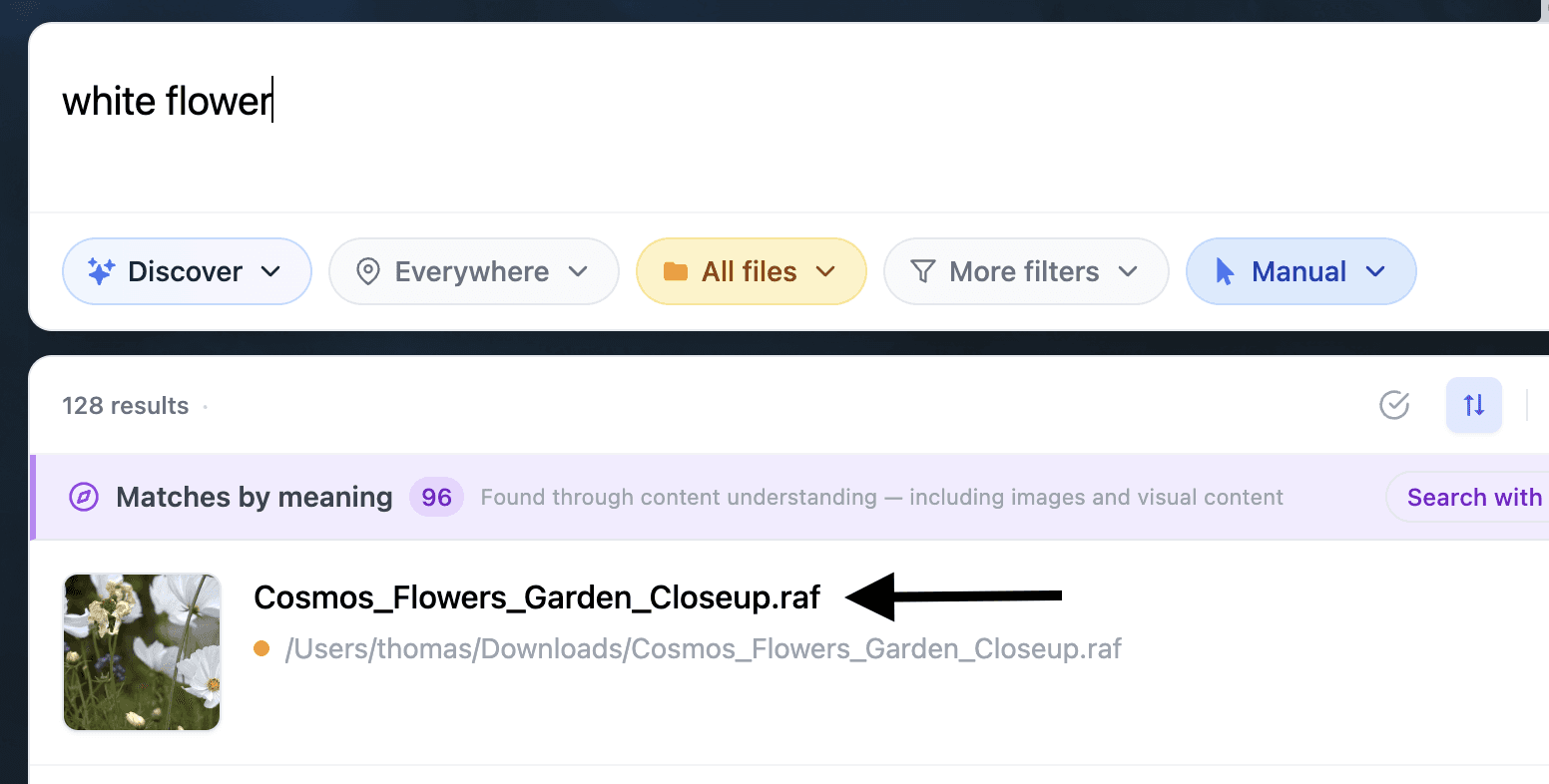
RAW files matter for real photo libraries
This is one of the biggest differences.
Many professional photo libraries are not just JPEGs and PNGs.
They contain RAW formats like:
.cr2.nef.raf.dng.arw.rw2.orf
That matters because RAW files are the original source material for many photographers.
If your semantic search tool does not handle the files you actually shoot, you either have to convert them manually or search only exported versions.
That creates extra work.
Fenn is designed for real creative archives, including RAW photo formats.
So if you work with Canon, Nikon, Fujifilm, Sony, Panasonic, Olympus, or mixed-camera archives, Fenn is the more natural fit.
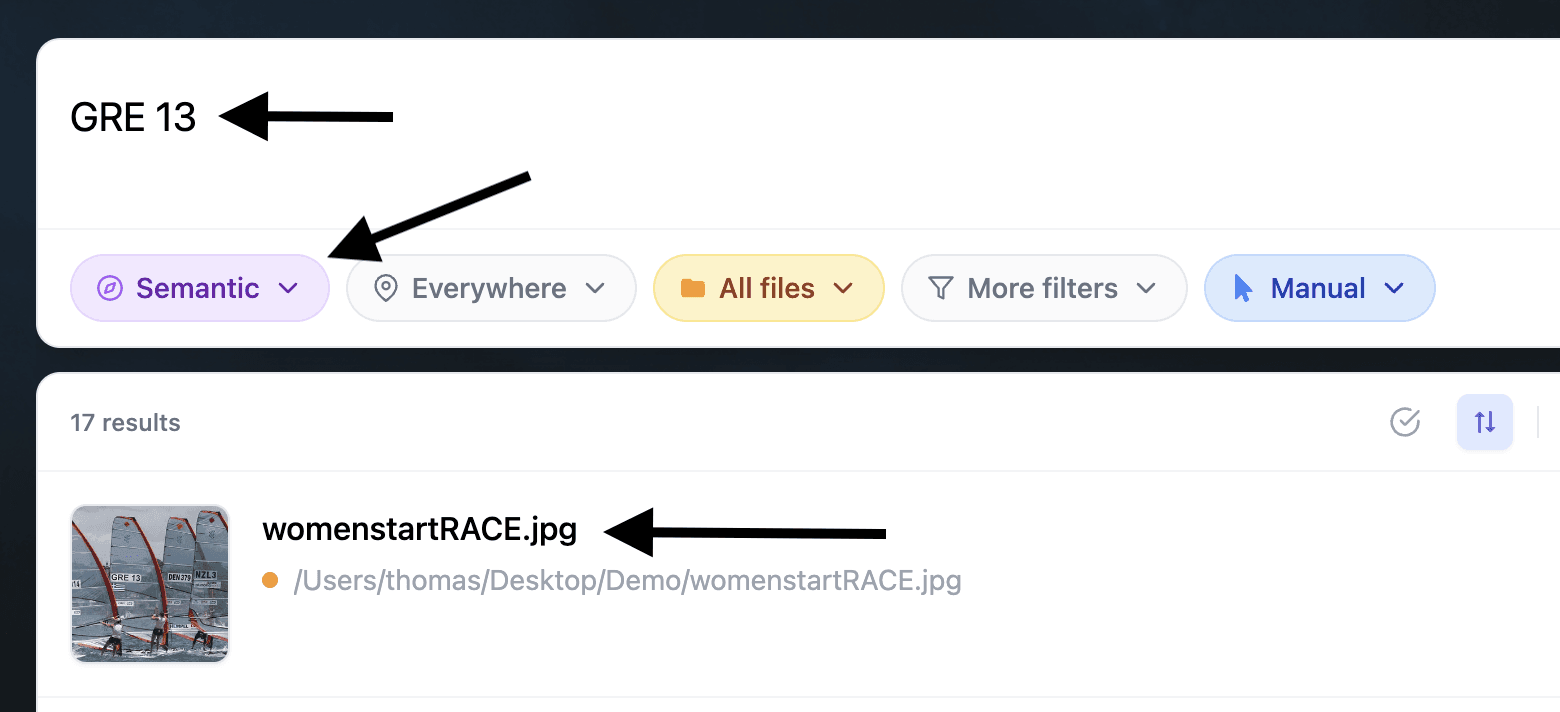
Search by image meaning, but also by text inside images
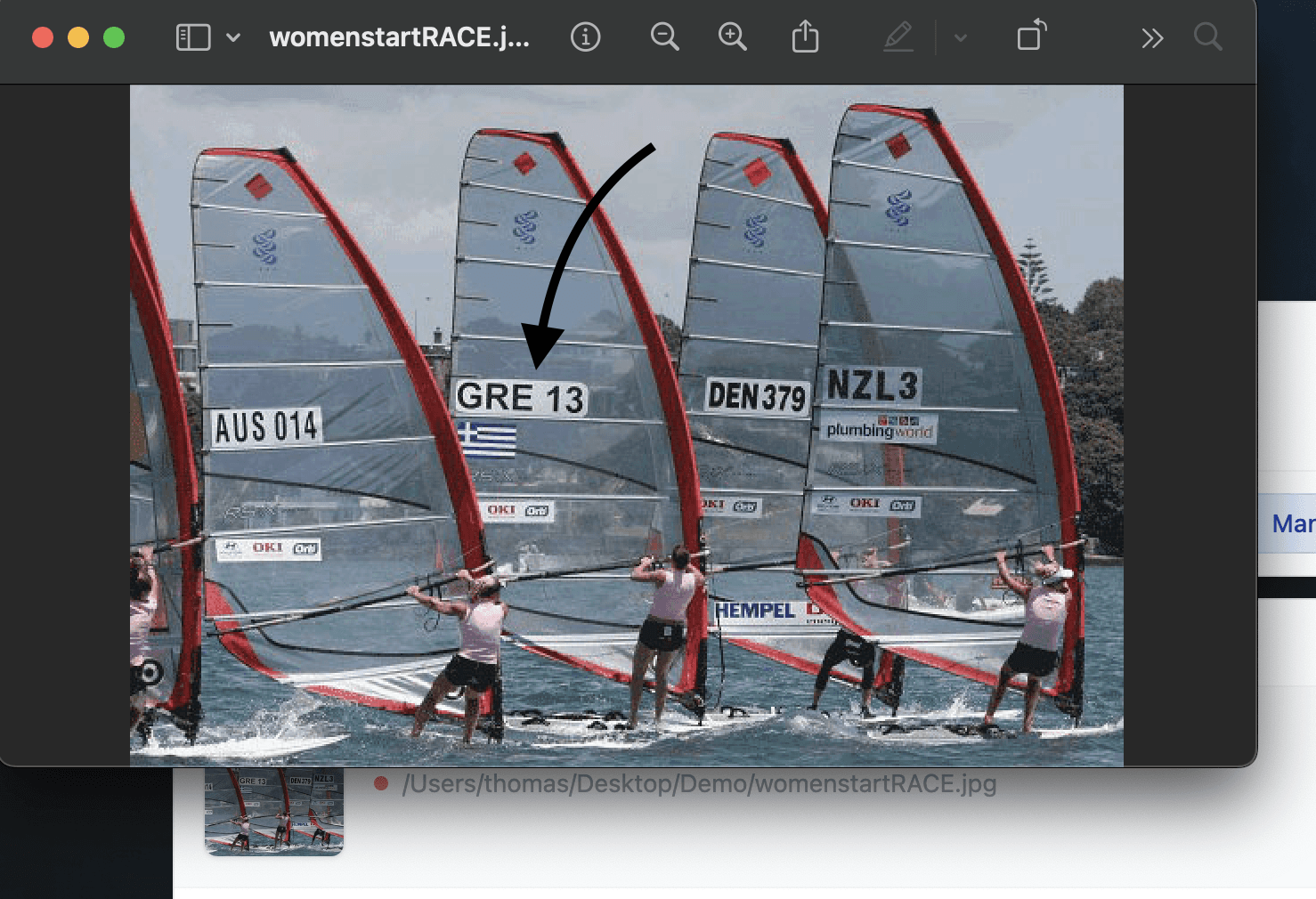
Basic semantic photo search is useful for simple visual concepts.
Searches like these are the easy cases:
“cat”
“dog”
“golden retriever”
“beach”
“mountain”
“car”
rclip can be very useful for that kind of search.
But real creative search is often more specific.
You might search for:
“a red product box with white text”
“a screenshot mentioning refund policy”
“a poster with the word summer”
“a storefront with the brand name visible”
“a conference badge with a company logo”
“a wine label with handwritten typography”
This is where Fenn has an important advantage.
Fenn can search visual meaning, but it can also detect and search text inside images and screenshots.
So if your query depends on reading text inside the image, Fenn is built for that workflow.
That matters for designers, marketers, researchers, agencies, photographers, and anyone with screenshots, scans, packaging, documents, or brand references mixed into their visual archive.
Complex queries need more than basic CLIP search
A smaller, faster image model can be great for broad visual retrieval.
But some searches require better understanding.
For example:
“a person sitting alone in a café at night”
“a product photo with a white background and soft shadows”
“a street scene with neon signs and rain”
“an astronaut on a horse looking at Earth”
“a laptop on a wooden desk next to handwritten notes”
“a blue car parked in front of a brutalist building”
These are not just object searches.
They involve relationships, composition, mood, style, and context.
Fenn is slower than a lightweight command-line tool because it uses a stronger approach designed for richer understanding and broader file intelligence.
That tradeoff is intentional.
If you only need fast basic image retrieval, rclip may be enough.
If you need a more complete Mac workflow, Fenn makes more sense.
Fenn is not only for photos
This is the larger point.
rclip is focused on semantic photo search.
Fenn includes semantic photo search, but it also works across many other file types.
With Fenn, you can search inside:
RAW photos
images
screenshots
PDFs
documents
presentations
audio
video
legacy files
folders and archives
You can also use Fenn to:
search by semantic meaning
search by keyword
search by filename
search by similarity
extract text from images
transcribe audio and video
chat with files privately
organize files with Magic Folders
extract data from files into CSV
rename files with AI
So if your real problem is “I need semantic photo search,” rclip may solve part of it.
If your real problem is “I need to find anything across my Mac,” Fenn is the broader tool.
Which one should you choose?
Choose rclip if:
you want a free open-source tool
you are comfortable with the command line
you mainly search common image formats
you want fast basic semantic image search
you do not need a polished UI
you do not need broader file intelligence
Choose Fenn if:
you want a real Mac app
you want semantic search without Terminal
you work with RAW photo files
you need OCR for text inside images
you want better support for complex natural-language queries
you want search across photos, PDFs, screenshots, audio, video, and documents
you want private AI that runs locally on your Mac
The bottom line
rclip is a great project for technical users who want free semantic photo search from the command line.
Fenn is for Mac users who want something more convenient, more visual, and more complete.
If you only need to search JPEGs from Terminal, rclip may be enough.
If you are a photographer or creative professional working with RAW files, screenshots, visual references, documents, and mixed archives, Fenn is the better fit.
Download Fenn and find the moment, not the file.